Product Image Set Generator
Examples
Choose a product source to prefill this Studio tool.
Create a Five-Image Product Visual Set
CataShot Product Image Set Generator creates five separate ecommerce visuals from one uploaded product image. Select Listing, Social, Ad, Brand, or Seasonal Set and choose a visual style; the workspace populates five predefined slots and ratios tailored for your chosen template.
Use cases
- Generate a complete five-image listing set—featuring studio, lifestyle, and detail shots—from one source.
- Prepare separate social, ad, brand-storefront, or seasonal visual directions from one source.
- Compare clean, premium, warm, fresh, bold, or minimal visual styling across a predefined set.
How it works
- 01Upload one product image.
- 02Choose a five-image set template and one visual style.
- 03Review the five named slots and fixed ratios shown in the workspace.
- 04Generate and inspect each separate output before downloading the useful images.
What you can control
- Listing, Social, Ad, Brand, and Seasonal set templates with five named outputs each.
- Six visual styles: clean, premium, warm, fresh, bold, and minimal.
- Separate generated files for studio, lifestyle, ad, detail, social, or banner slots as defined by the selected template.
Current limits
- The tool has no free-text prompt, model selector, ratio selector, or output-count control; the selected template defines five slots.
- It does not provide a collage or guarantee cross-image consistency, so review every output separately.
Example output
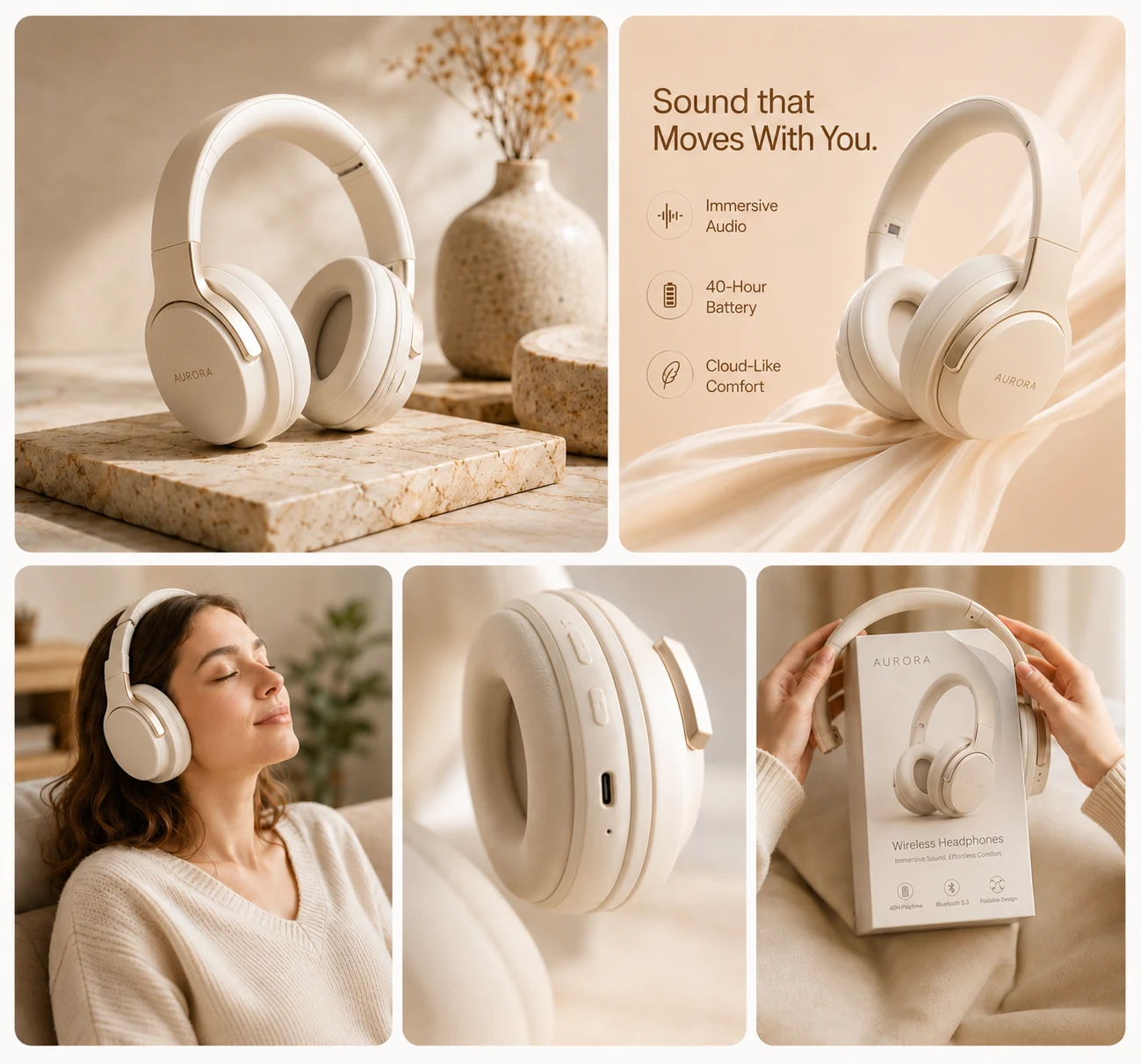
Frequently asked questions
How many images does an image set create?
The current workflow creates five separate images using the slots defined by the selected set template.
Are the five images delivered as a collage?
No. They are separate outputs rather than one combined collage.
Can I enter a custom prompt or choose each ratio?
No. The current image-set workspace uses the selected template, its predefined slots and ratios, and the chosen visual style.
Will every output be perfectly consistent?
Consistency is not guaranteed. Review product shape, color, labels, scale, and styling across all five results.
Related CataShot tools
AI Product Photography
Create studio-style product photos with selectable backgrounds, shadows, aspect ratios, models, and output counts.
Lifestyle Product Photography
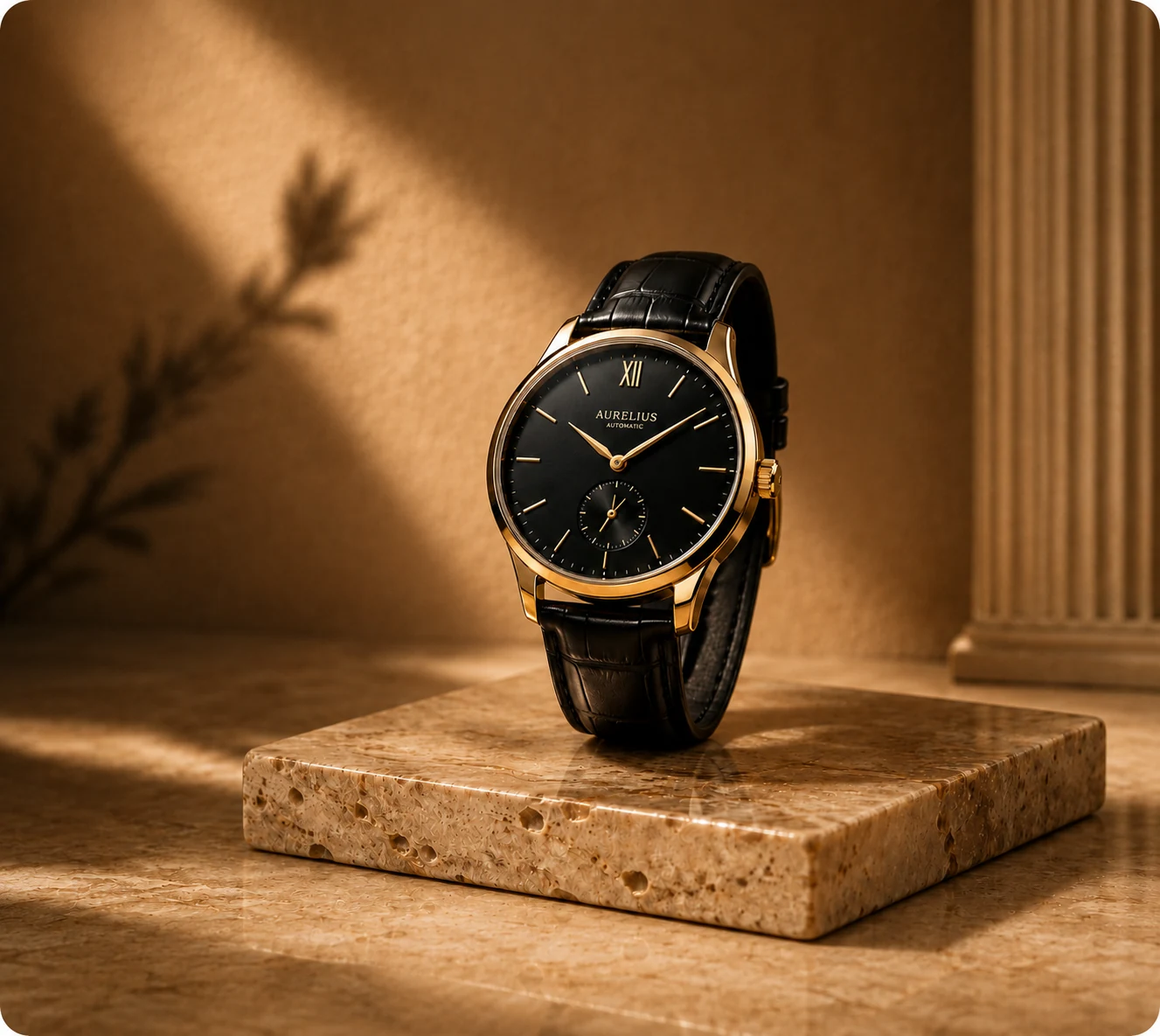
Place a product into an available lifestyle template and choose lighting, aspect ratio, model, and output count.

AI Product Ad Generator
Combine one product image with a selected ad layout, headline, offer, benefit lines, and call to action.