AI Product Ad Generator
Examples
Choose a product source to prefill this Studio tool.
Create Product Ad Images with AI
Generate ready-to-review product ads without a designer. Combine your product image, layout, and campaign copy into polished creatives.
Use cases
- Draft sale, feature, launch, feed, story, or website-banner creative using the visible templates.
- Rapidly test headlines, offers, and preset calls to action across click-focused creative variations.
- Create square, portrait, vertical, or wide ad-image variations for later review.
How it works
- 01Upload one product image and choose an ad template.
- 02Enter a headline, optional offer, and up to five short benefit lines.
- 03Choose a preset call to action, aspect ratio, image model, and output count.
- 04Generate and verify all rendered text and product details before use.
What you can control
- Six visible layouts for promotion, feature, launch, social, story, and banner concepts.
- A headline up to 60 characters, offer up to 20 characters, and up to five benefits of 40 characters each.
- Four preset CTA labels, four aspect ratios, two image models, and one, two, or four outputs.
Current limits
- Generated text can be misspelled or visually altered; every word in each output must be checked.
- The tool creates image files and does not publish ads, create campaigns, or report performance.
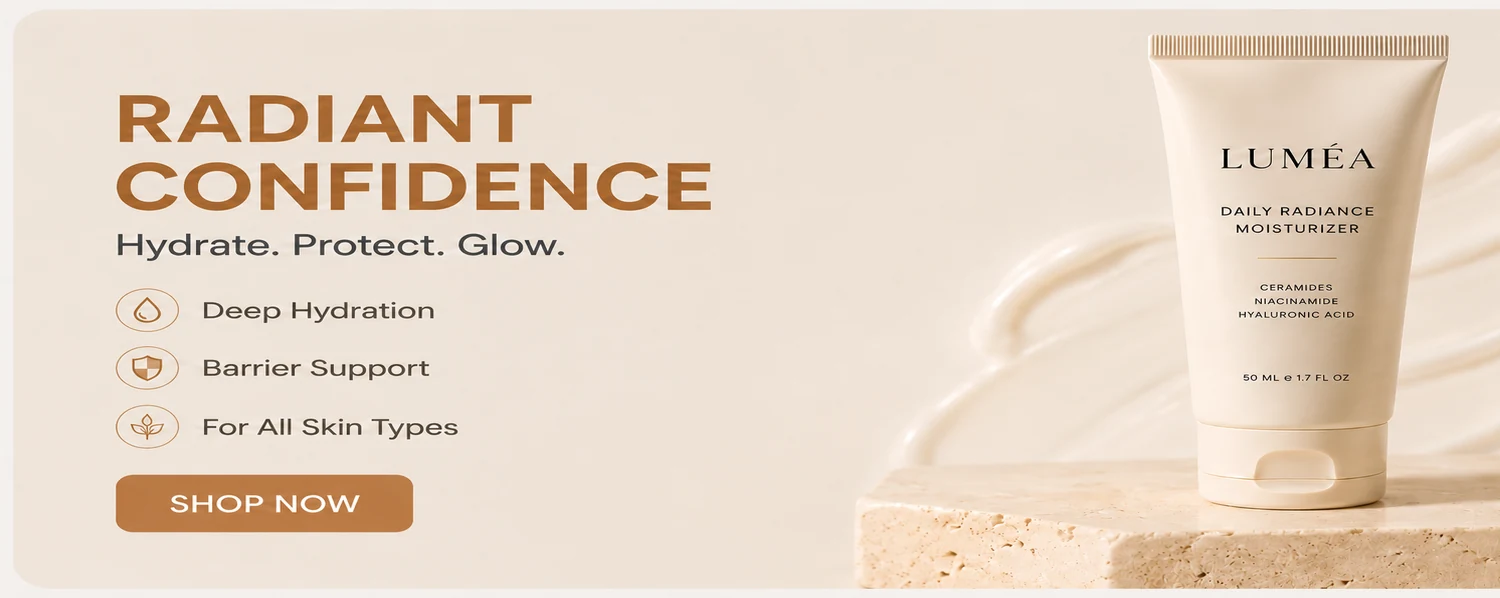
Example output
Frequently asked questions
Which ad layouts are available?
The workspace shows Sale Spotlight, Feature Callout, Product Launch, Social Feed, Story Promo, and Website Banner.
Can I enter my own call-to-action text?
Choose from Shop Now, Learn More, Try Today, or Buy Now. The current CTA control is not free text.
Does CataShot launch the ad campaign?
No. It generates ad images for you to review and download; campaign setup and publishing happen elsewhere.
Why do I need to review generated ad text?
Image generation can alter letters and words. Check the headline, offer, benefits, CTA, and product labels before use.
Related CataShot tools
AI Product Photography
Create studio-style product photos with selectable backgrounds, shadows, aspect ratios, models, and output counts.
Lifestyle Product Photography
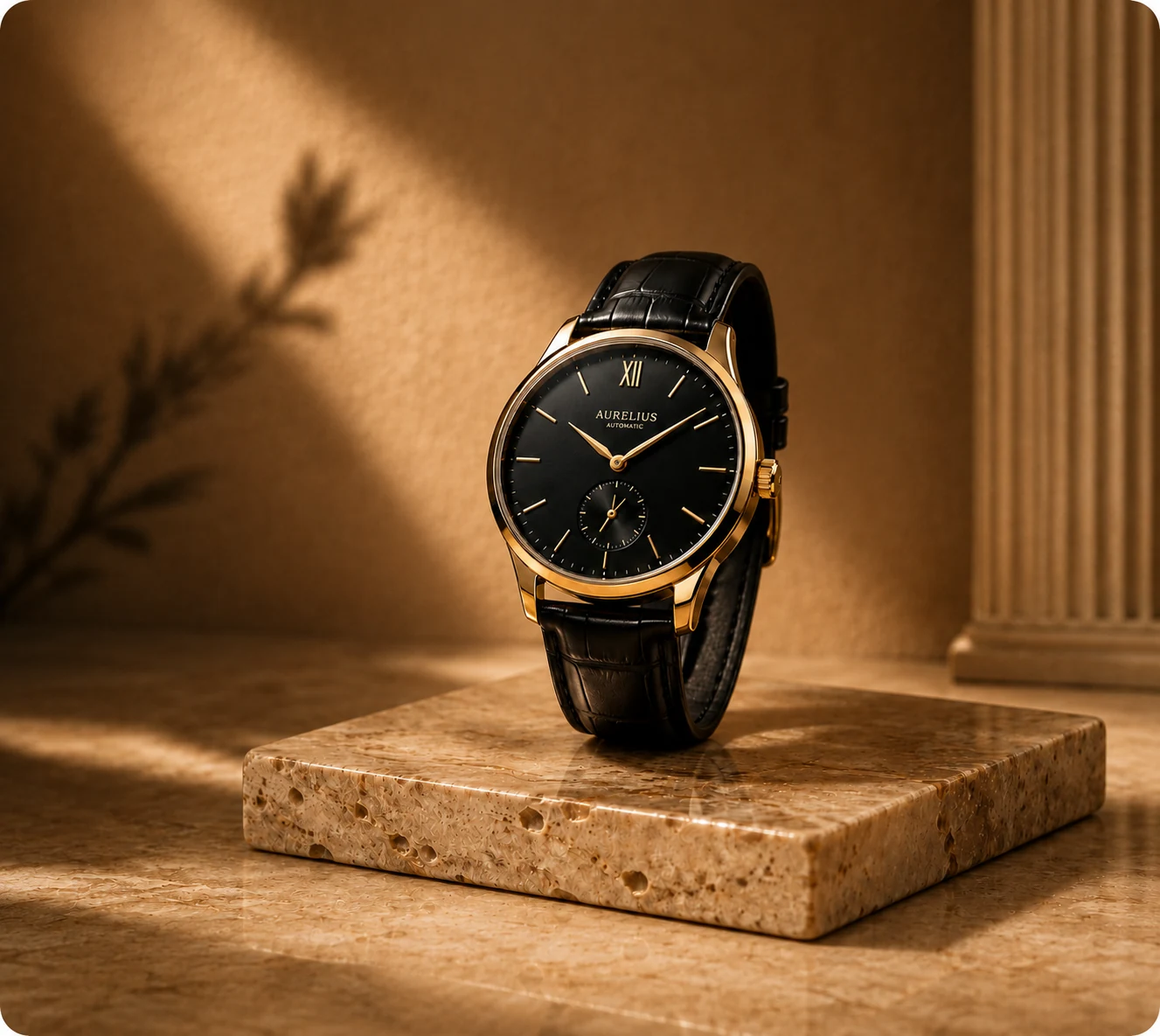
Place a product into an available lifestyle template and choose lighting, aspect ratio, model, and output count.

AI Product Video Generator
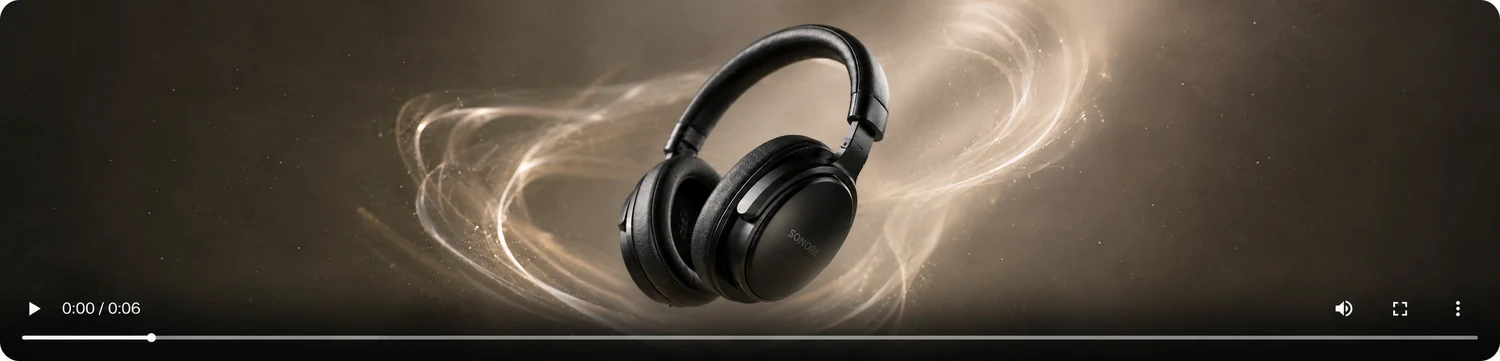
Create five-second product clips from one image in vertical or widescreen formats using motion templates.