AI Image Extender
Examples
Choose a product source to prefill this Studio tool.
Extend Product Photo Canvases with AI
CataShot AI Image Extender expands the canvas around one uploaded product photo. Choose left and right, top and bottom, all sides, or a single side, then set the target aspect ratio, image model, and output count.
Use cases
- Rescue tight product crops by extending them into wide compositions for banners and hero areas.
- Add vertical or horizontal breathing room around a product for a new placement.
- Create several extended-background options while preserving the original product as the reference.
How it works
- 01Upload one product photo with the existing crop clearly visible.
- 02Choose the side or sides where the canvas should expand.
- 03Select a target aspect ratio, image model, and one, two, or four outputs.
- 04Generate and inspect the join, background continuity, and unchanged product area.
What you can control
- Seven direction choices covering horizontal, vertical, all-side, and individual-side expansion.
- Target ratios of 1:1, 4:5, 9:16, and 16:9.
- GPT Image 2 or Nano Banana Pro with one, two, or four results.
Current limits
- This tool expands the canvas; it does not provide masking, retouching, text, layout, or pixel-level editing.
- Generated surroundings and boundary transitions can vary, so inspect edges, shadows, textures, and repeated details.
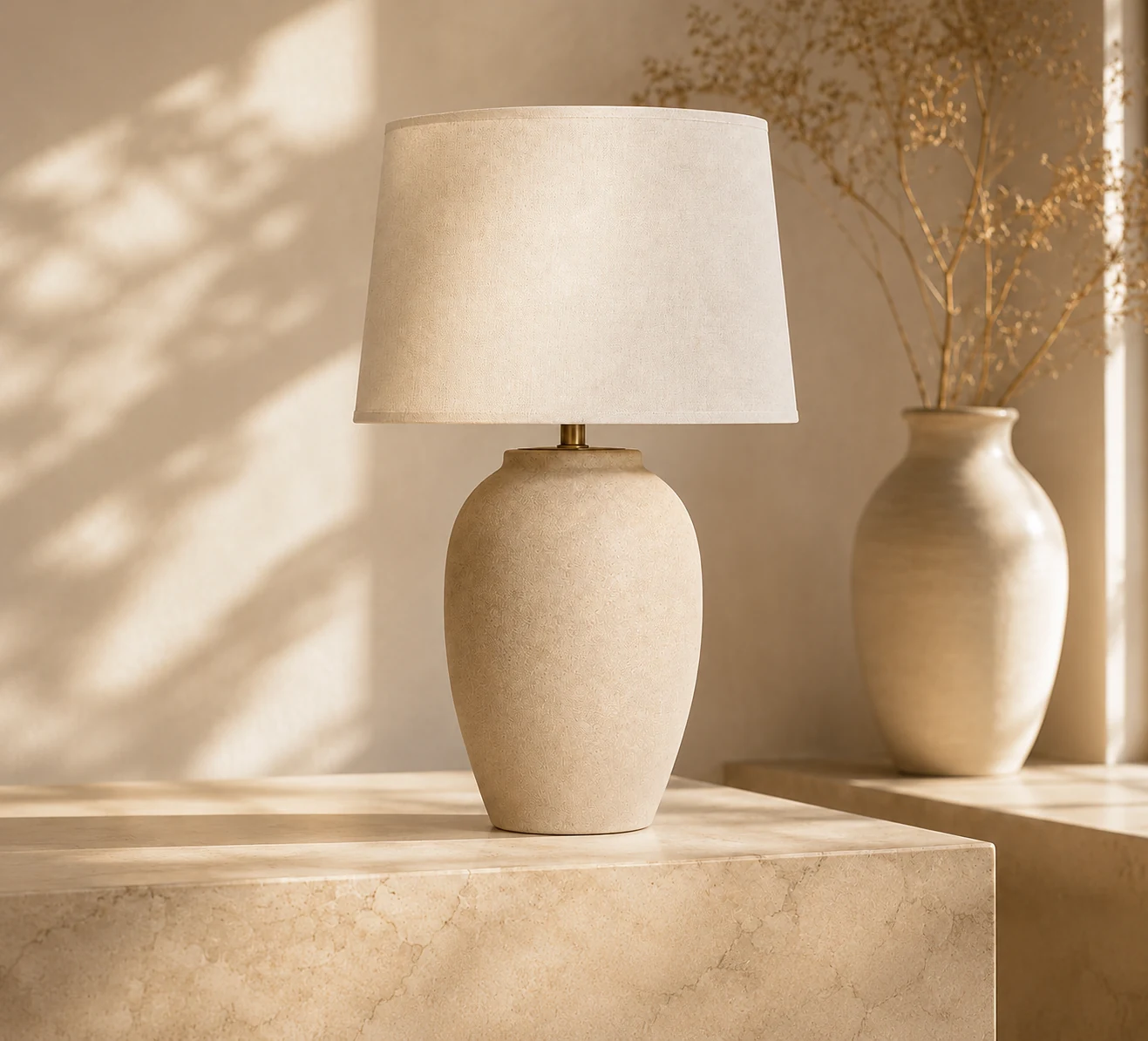
Example output
Frequently asked questions
What does the AI image extender change?
It generates new image area beyond the existing canvas in the direction you choose.
Can I expand only one side?
Yes. Choose left, right, top, or bottom, as well as paired or all-side options.
Does this tool include retouching or masking?
No. The current workspace is for canvas expansion and does not include those editing controls.
What should I review after expansion?
Check that the generated background connects naturally and that the original product area, edges, shadows, and proportions remain acceptable.
Related CataShot tools
AI Product Photography
Create studio-style product photos with selectable backgrounds, shadows, aspect ratios, models, and output counts.
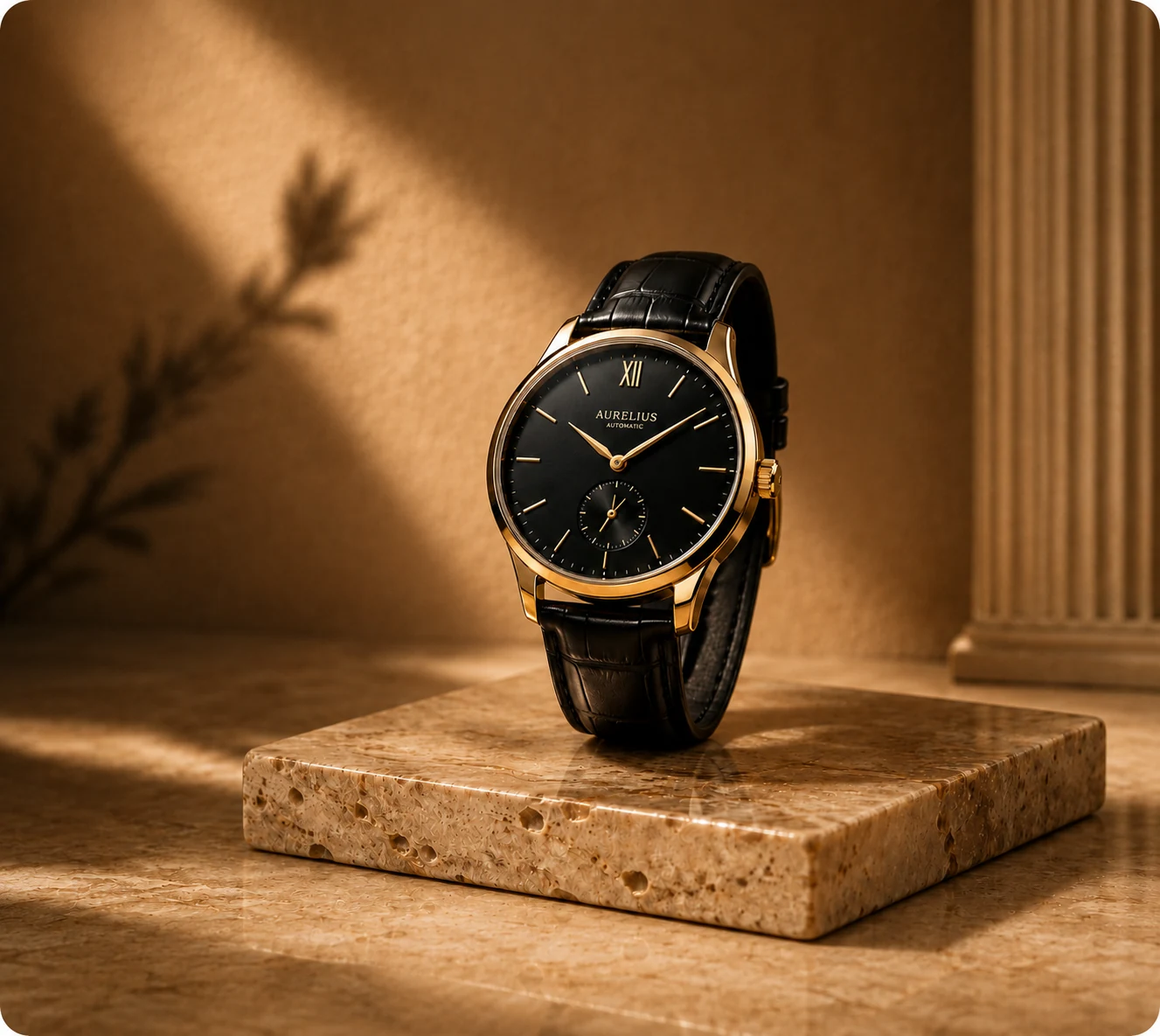
Lifestyle Product Photography
Place a product into an available lifestyle template and choose lighting, aspect ratio, model, and output count.
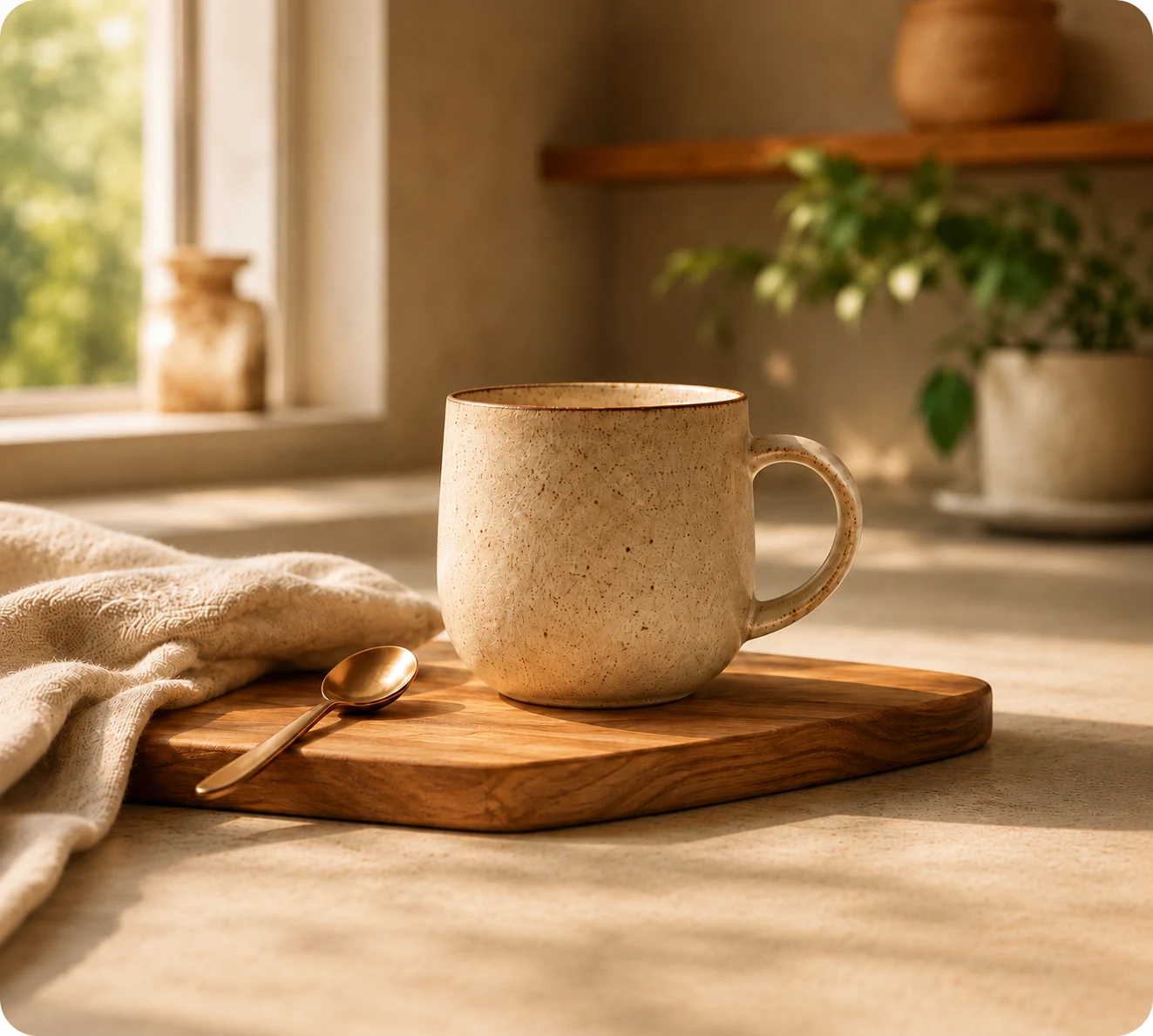
Product Image Set Generator
Generate five separate ecommerce visuals from one image using a selected set template and visual style.