Generate Professional Ecommerce Visuals from One Product Photo
Choose the tool you need, set your style, and generate professional visuals in minutes—no physical photo shoot required.

AI Product Photography
Create studio-style product photos with selectable backgrounds, shadows, aspect ratios, models, and output counts.

Lifestyle Product Photography
Place a product into an available lifestyle template and choose lighting, aspect ratio, model, and output count.

AI Product Ad Generator
Combine one product image with a selected ad layout, headline, offer, benefit lines, and call to action.
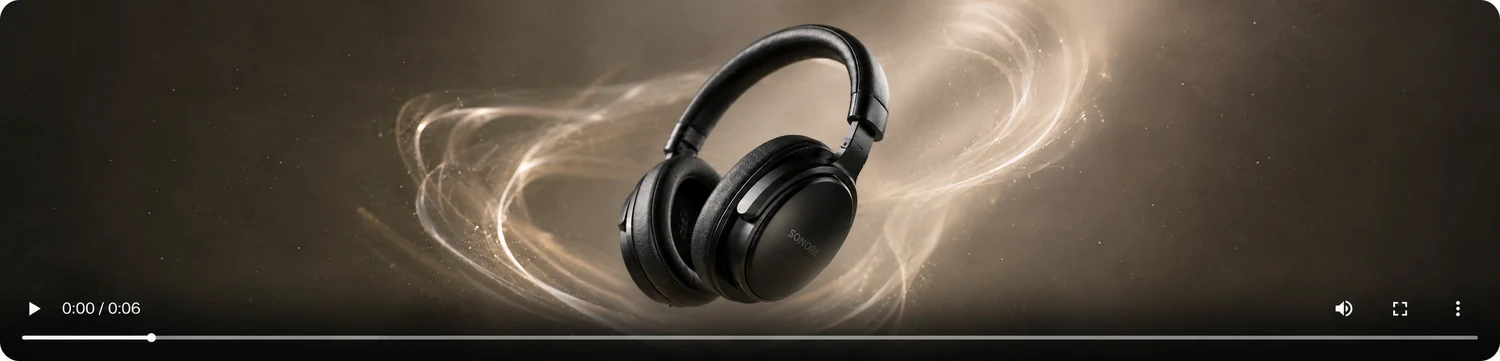
AI Product Video Generator
Create five-second product clips from one image in vertical or widescreen formats using motion templates.

AI Image Extender
Extend the canvas around one product photo in a chosen direction and target aspect ratio.

Product Image Set Generator
Generate five separate ecommerce visuals from one image using a selected set template and visual style.
What you can control
- Use a dedicated workspace for studio photos, lifestyle scenes, ad images, short video, canvas extension, or five-image sets.
- Choose only from the models, templates, colors, ratios, and output counts shown in each workspace.
- Review finished image or video results in the workspace and download completed outputs with the existing result controls.
How it works
- 01Choose the tool that matches the visual you need.
- 02Upload one clear product image and complete the controls available for that tool.
- 03Sign in when you are ready to generate and confirm the displayed credit requirement.
- 04Review each result before downloading or using it in your store or campaign.
Input tips
- Use a clear, front-facing source image when possible; the uploader accepts one product image per run.
- Templates and controls vary by workflow, so confirm the selected ratio, style, copy, and output count before generating.
- Keep important product details visible and inspect every result for accuracy before publishing it elsewhere.
Current limits
- CataShot does not publish outputs to marketplaces or social platforms; it generates files for you to review and download.
- Generated details can vary from the uploaded reference, especially around text, small features, reflections, and motion.
- Each workflow has fixed visible controls; capabilities that are not shown in the workspace are not available in that tool.
Frequently asked questions
Do the CataShot tools use the same workspace?
Each tool has dedicated controls, but all six work from a single product upload and display results together.
Can I use CataShot without signing in?
You can read the tool pages and configure a workspace while signed out. Generation continues to use the existing sign-in and credit checks.
How many outputs can I request?
Most image and video tools offer one, two, or four outputs. The image set tool creates five separate images defined by the selected set template.
Should I review generated product visuals?
Yes. Generated results can vary from the source image, so check product shape, labels, text, colors, reflections, and motion before use.