Lifestyle Product Photography
Examples
Choose a product source to prefill this Studio tool.
Create Lifestyle Product Photography with AI
Place your product into realistic lifestyle scenes to boost buyer context. Choose a category, template, and lighting to match your brand's mood.
Use cases
- Show a product in a kitchen, bathroom, vanity, cafe, outdoor, or desk setting offered by the workspace.
- Add buyer context with realistic lifestyle images for your product pages and social campaigns.
- Compare soft, bright, warm, and golden-hour lighting directions.
How it works
- 01Upload one product image with the item clearly visible.
- 02Choose a scene category and one of the available scene templates.
- 03Set lighting, aspect ratio, image model, and output count.
- 04Generate and inspect the scene, scale, contact points, and product details.
What you can control
- Available templates include kitchen counter, bathroom shelf, vanity table, cafe table, camping table, and minimal desk.
- Soft, bright, warm, or golden-hour lighting with four supported aspect ratios.
- GPT Image 2 or Nano Banana Pro and one, two, or four requested images.
Current limits
- Scenes come from the templates visible in the workspace; there is no free-text scene prompt in this tool.
- Generated scale, placement, and product details can vary and should be checked before use.
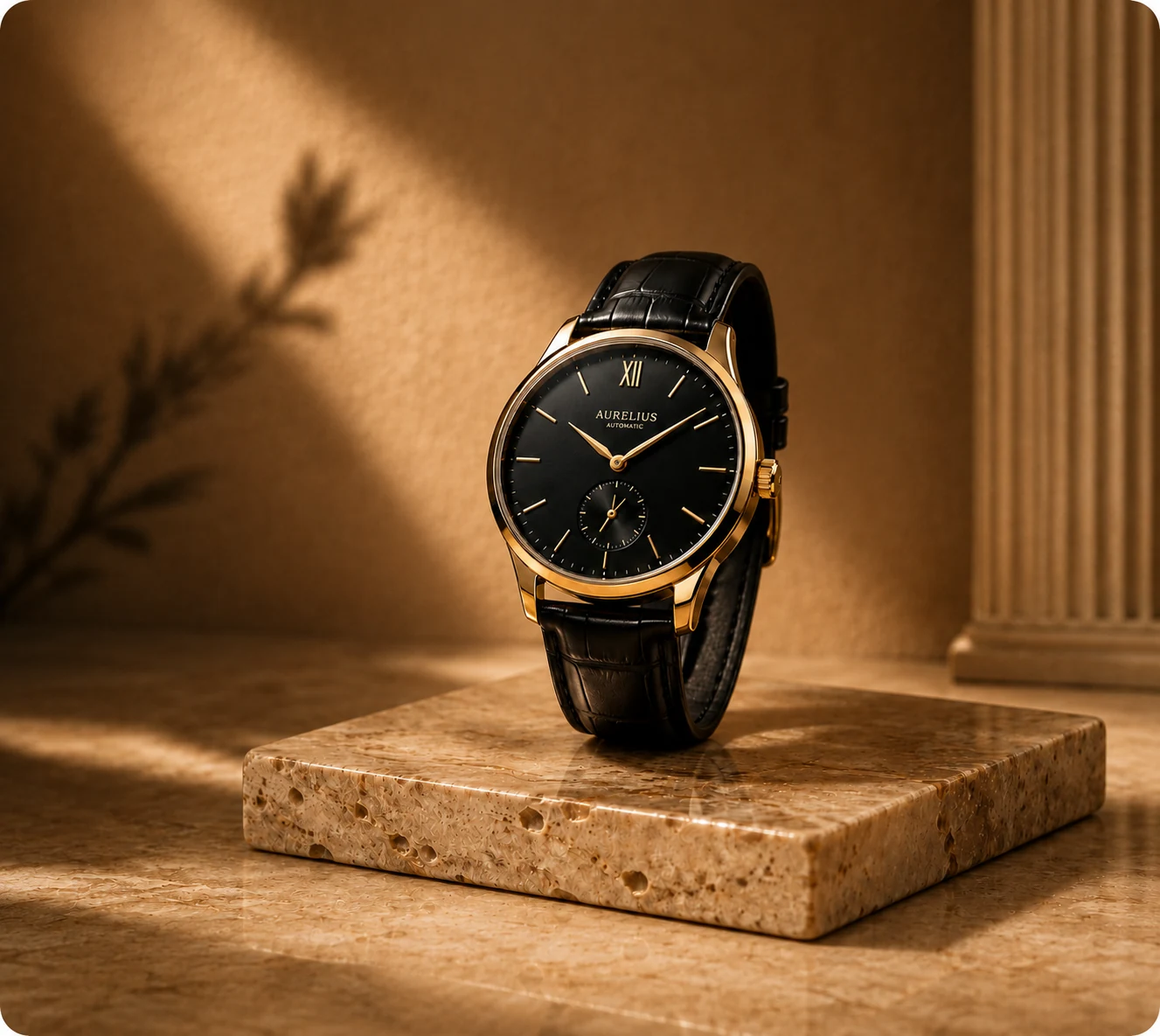
Example output

Frequently asked questions
Can I describe any lifestyle scene in a prompt?
No. This workspace uses the scene categories and templates shown in its interface rather than a free-text scene prompt.
What lighting choices are available?
Choose soft, bright, warm, or golden-hour lighting.
How many product images can I upload?
The workspace accepts one product image for each run.
What should I check in a lifestyle result?
Check product proportions, contact with surfaces, labels, colors, shadows, and whether the selected scene fits your intended use.
Related CataShot tools
AI Product Photography
Create studio-style product photos with selectable backgrounds, shadows, aspect ratios, models, and output counts.
AI Product Ad Generator
Combine one product image with a selected ad layout, headline, offer, benefit lines, and call to action.

AI Product Video Generator
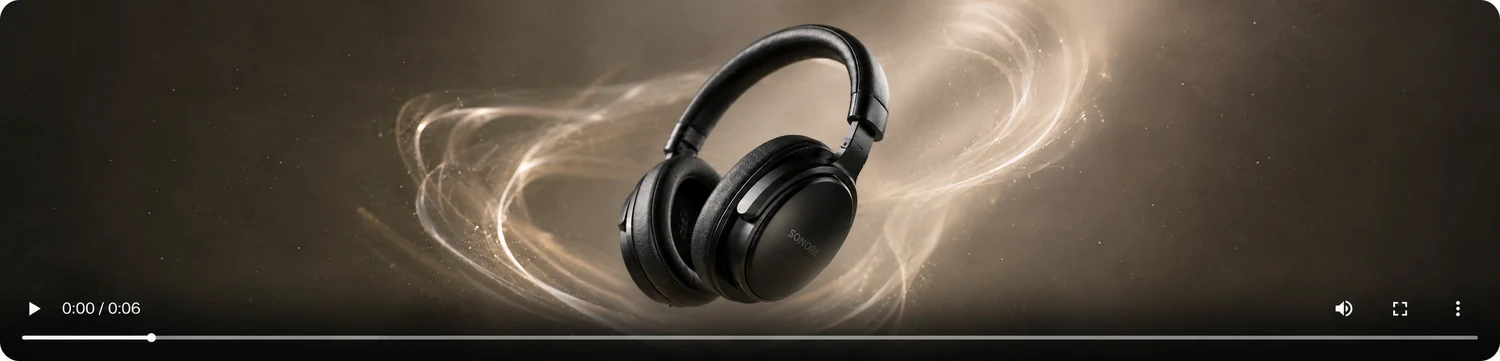
Create five-second product clips from one image in vertical or widescreen formats using motion templates.