Create Ecommerce Product Photos and Video with AI
Upload one product image and create studio photos, lifestyle scenes, ad creatives, five-second product videos, expanded images, and five-image sets.
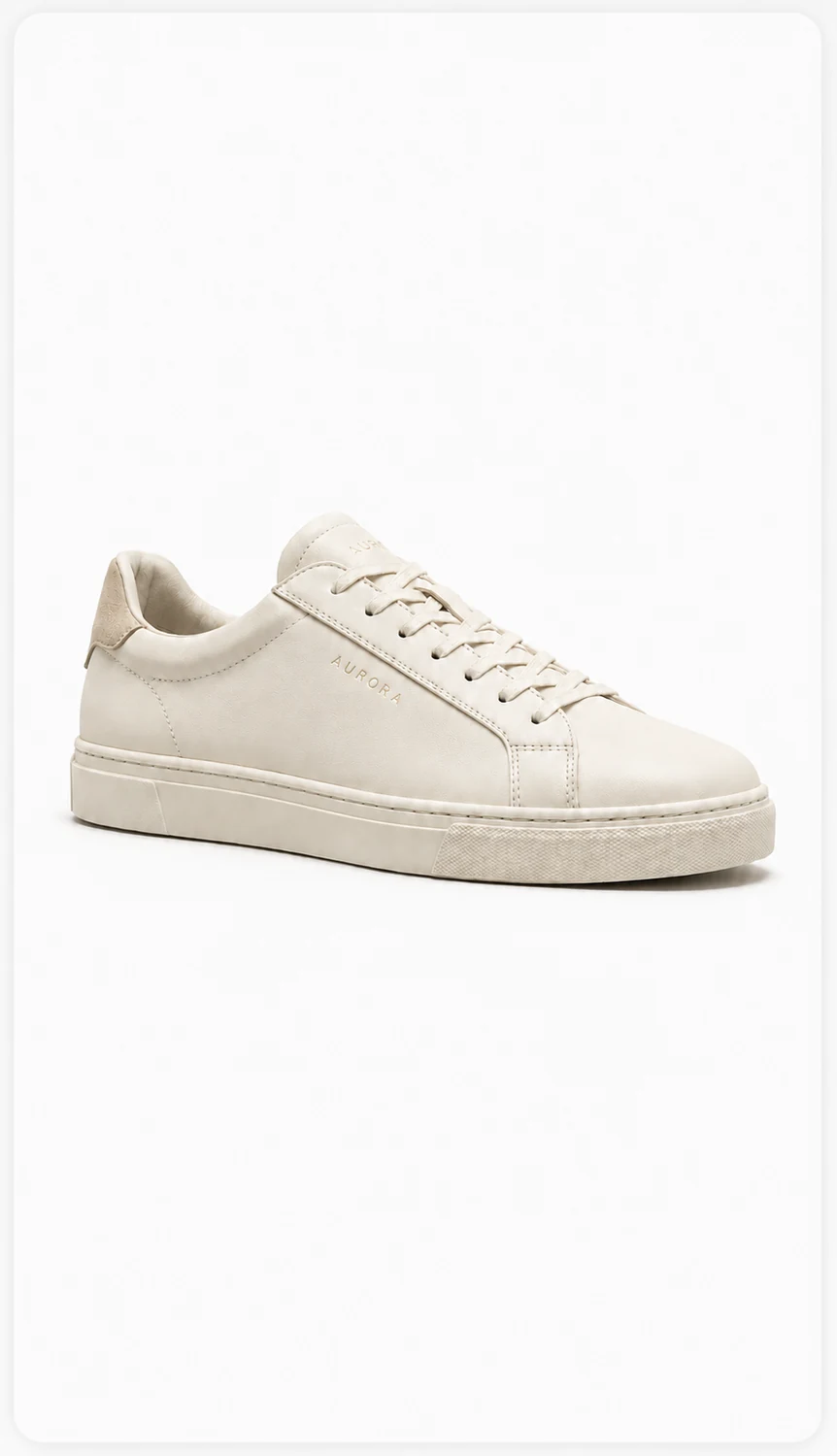
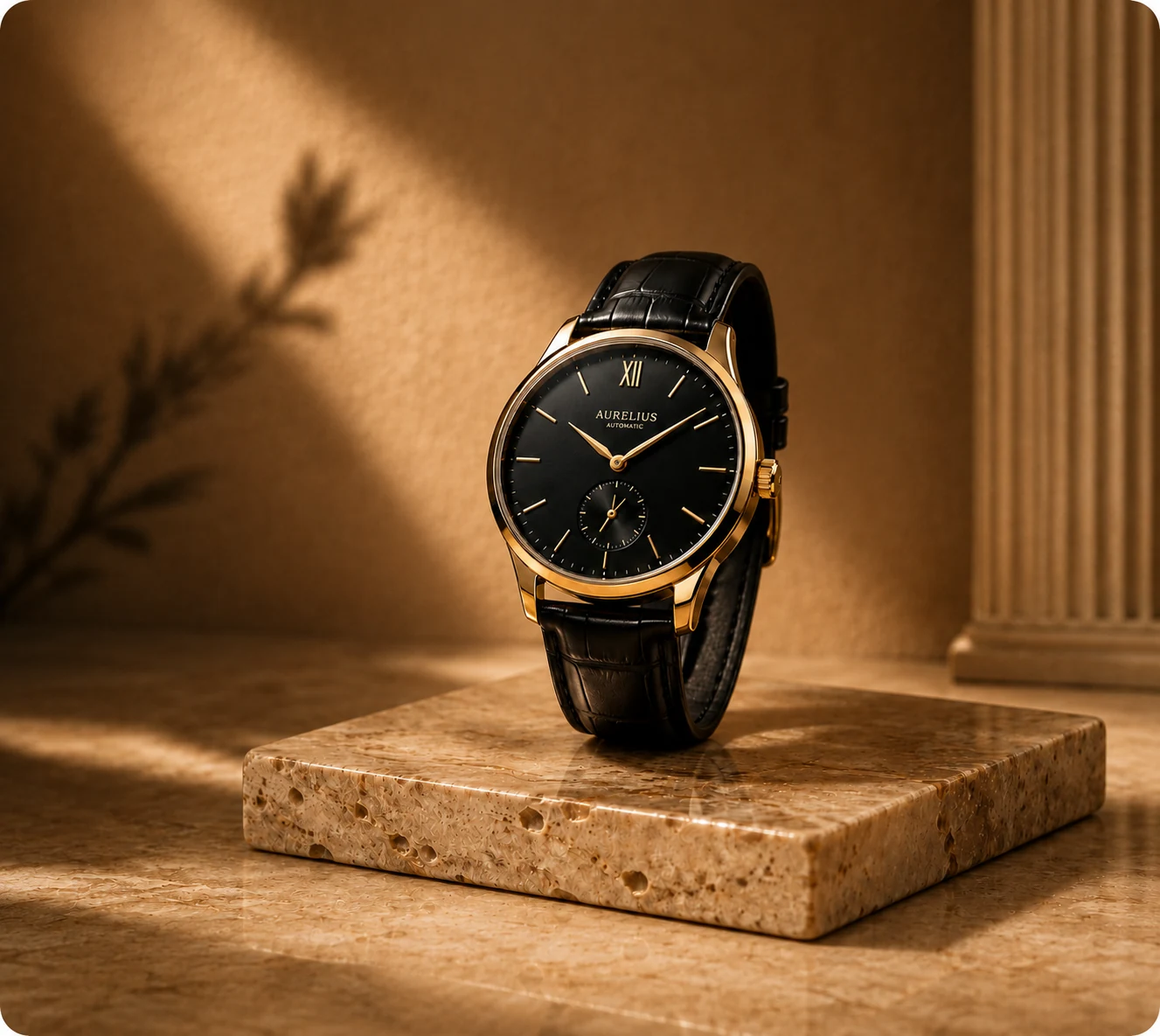


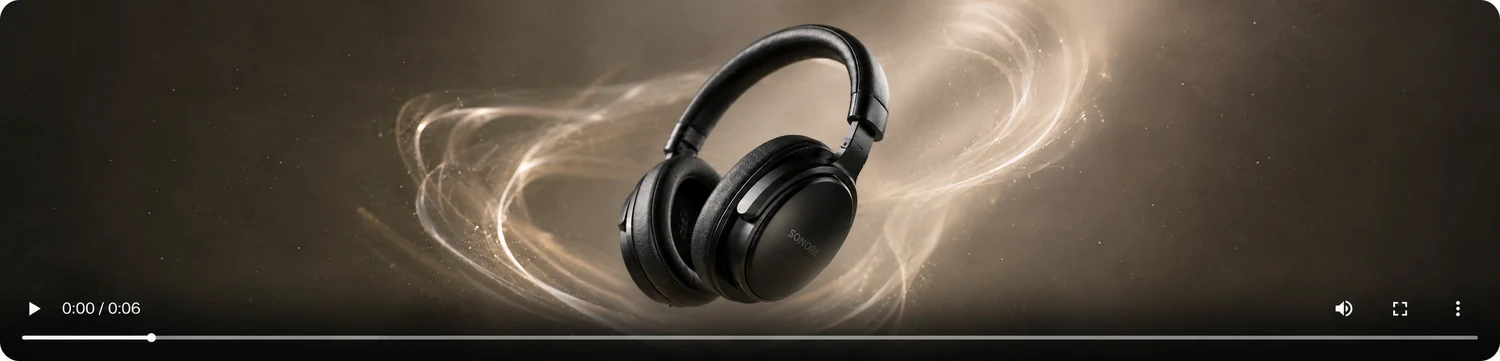
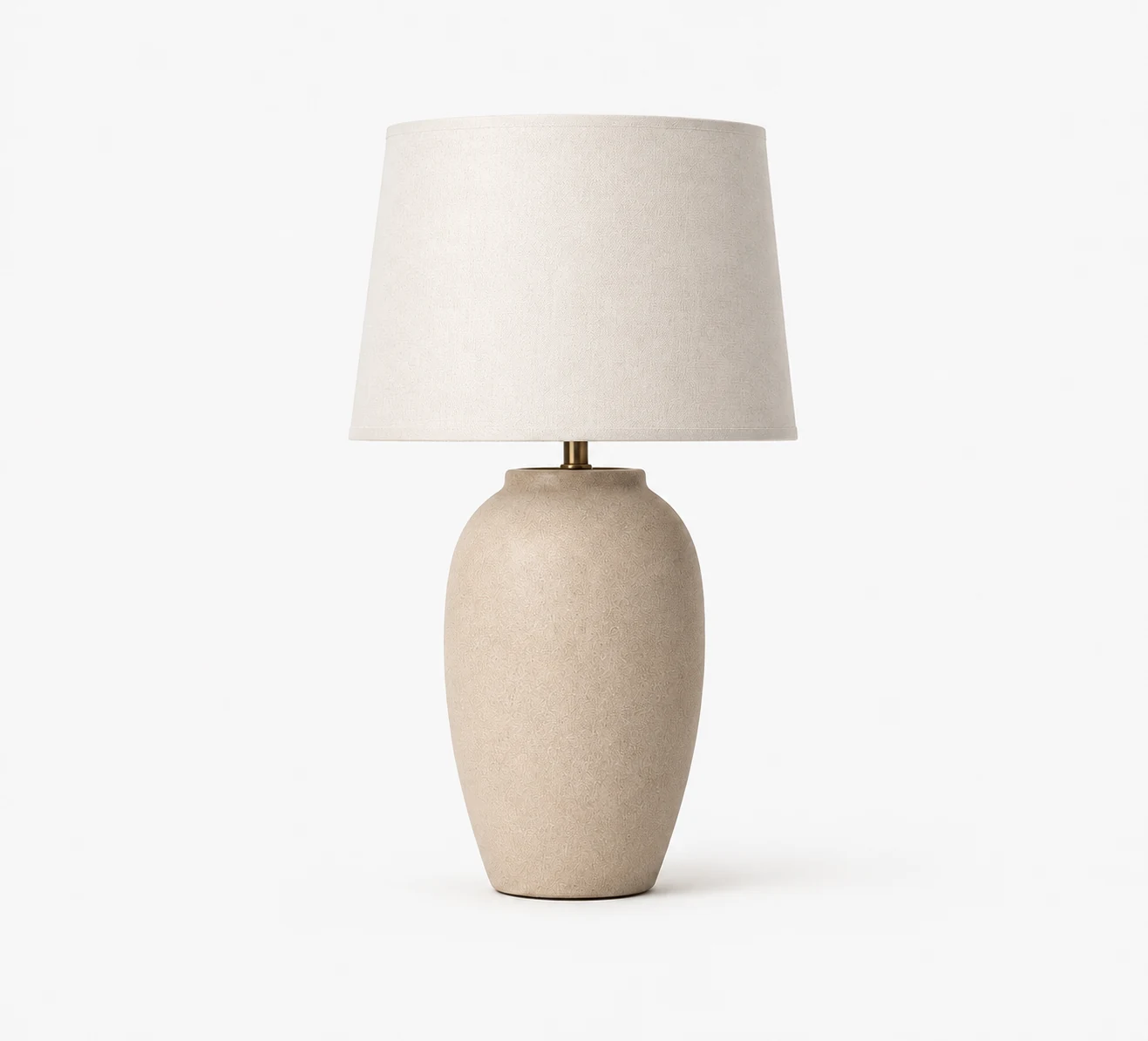
Six focused ecommerce visual workflows
From Basic Product Shot to Studio-Grade Visuals
See how one simple product photo becomes polished visuals for product pages, ads, and social campaigns.
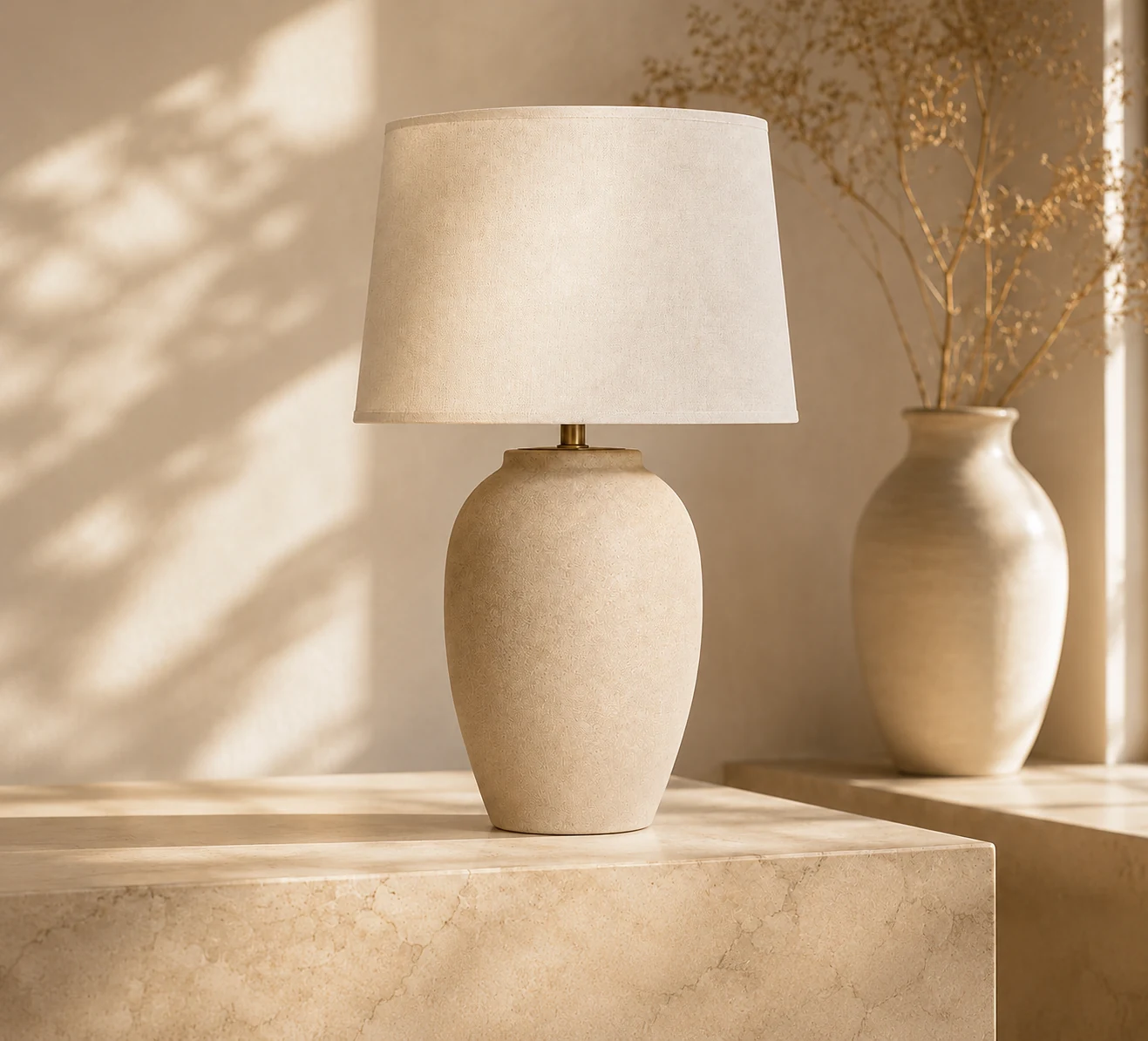
Use the product as reference
Each workflow starts from the one product image you upload.
Choose visible controls
Select from the styles, lighting, ratios, and models shown.
Review before use
Inspect product details and download the results you want.
Keep the Product.
Change the Shot.
CataShot uses your uploaded product image as a reference while generating a new scene, light, background, layout, or motion. Generated details can vary, so every result needs review.
Product Reference
Start each run with one clear product image that shows the details you want the model to follow.
 ShapeColorLogoPackagingTexture
Scene Generation
Choose from the studio, lifestyle, advertising, video, extension, and image-set controls currently available.
Fidelity Review
Compare each generated result with the source and check shape, labels, color, reflections, text, and motion.
Everything You Need to Create Product Visuals
Create product page images, lifestyle scenes, ad creatives, and complete visual sets from one product photo.
Studio Photos
Create studio-style images with selectable treatments, background colors, shadows, ratios, and output counts.
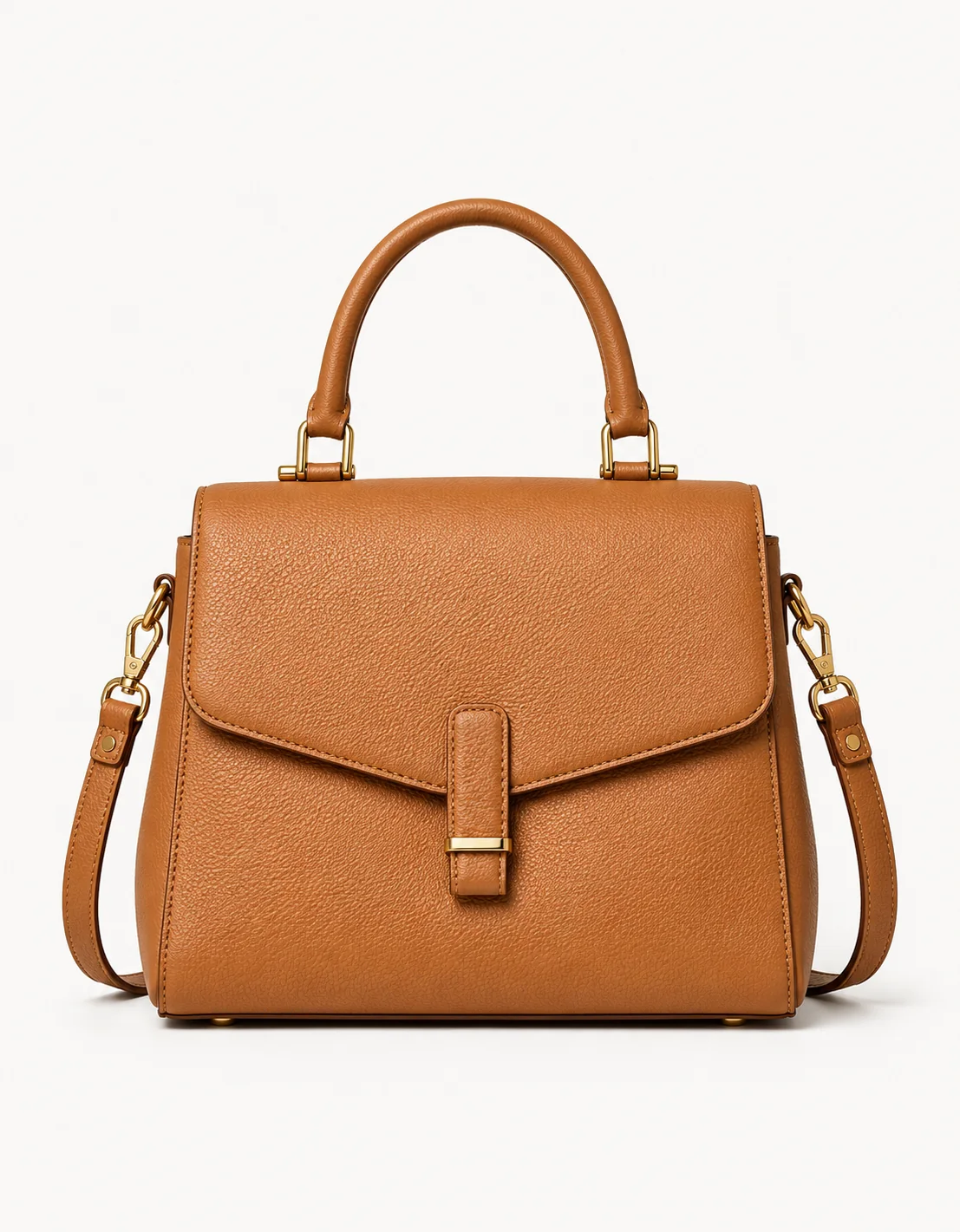
Lifestyle Scenes
Place a product into one of six available scene templates with selectable lighting and aspect ratio.
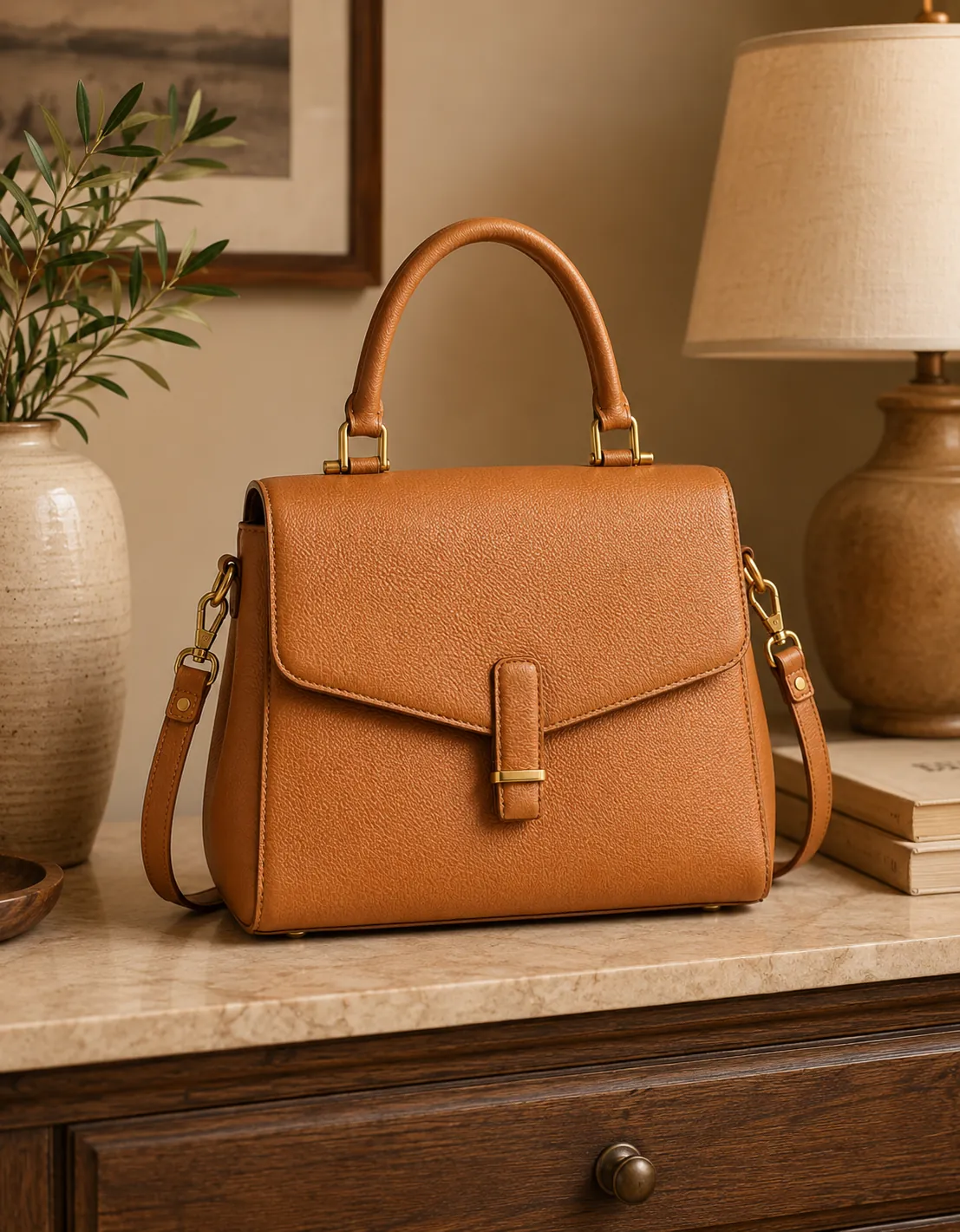
Ad Creatives
Combine a product image with a selected layout, headline, offer, benefits, and call to action.
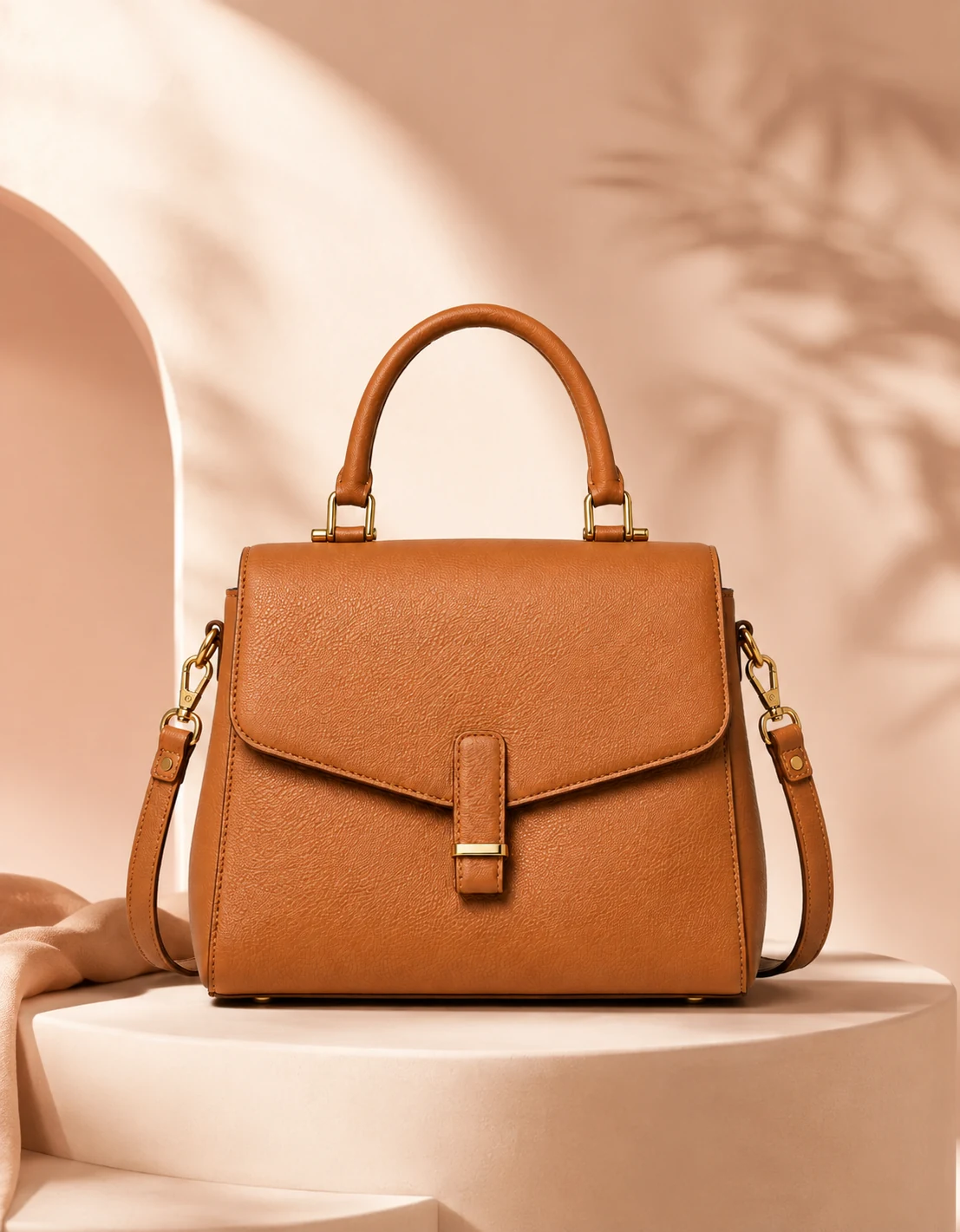
Image Sets
Generate five separate images from a fixed set template and selected visual style.
Choose the Visual Workflow That Fits Your Ecommerce Goal
Start with one product photo, then generate the exact visual assets your store or campaign needs.
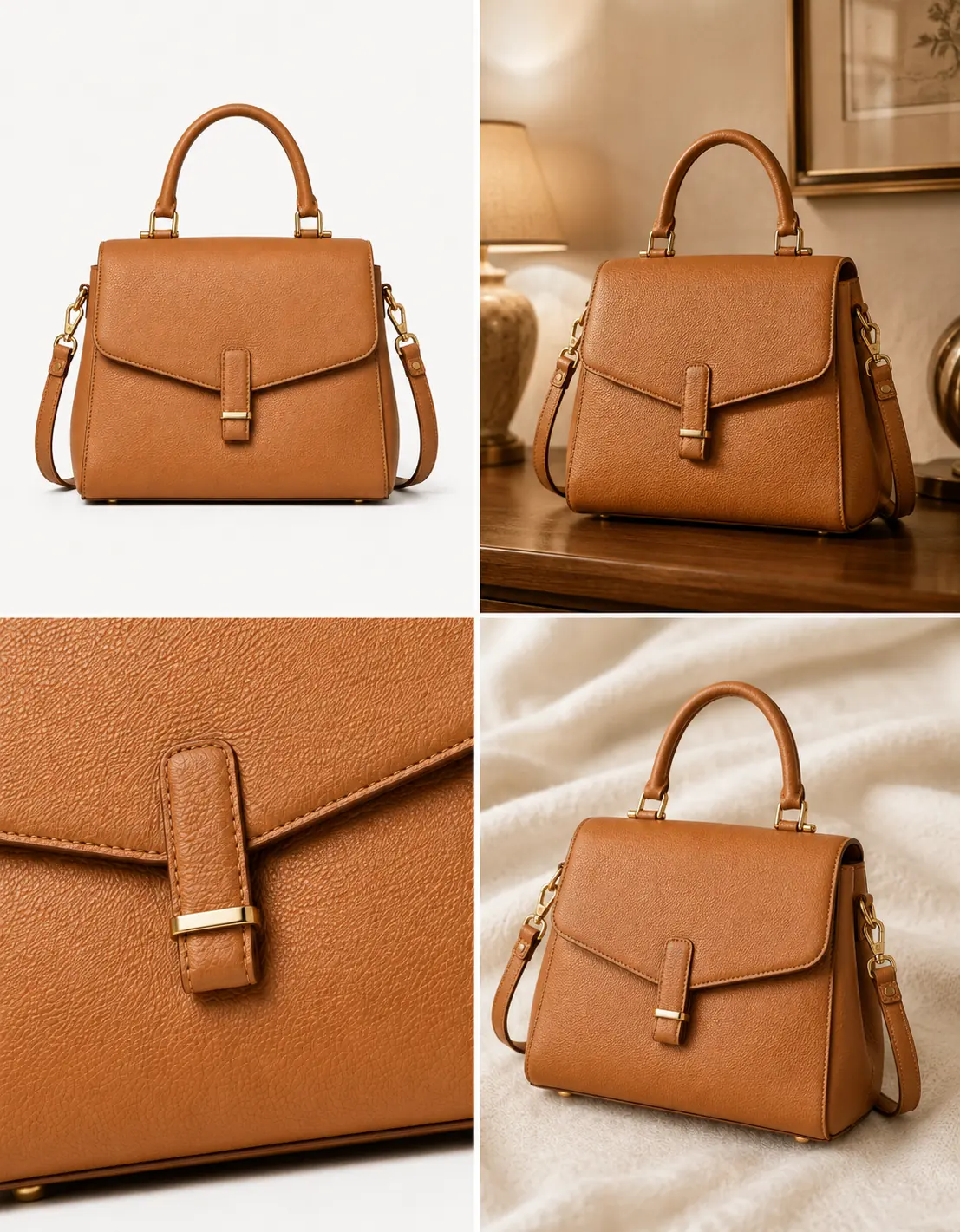
Product Page Visuals
Create studio and lifestyle directions, then review each result before adding it to a product page.
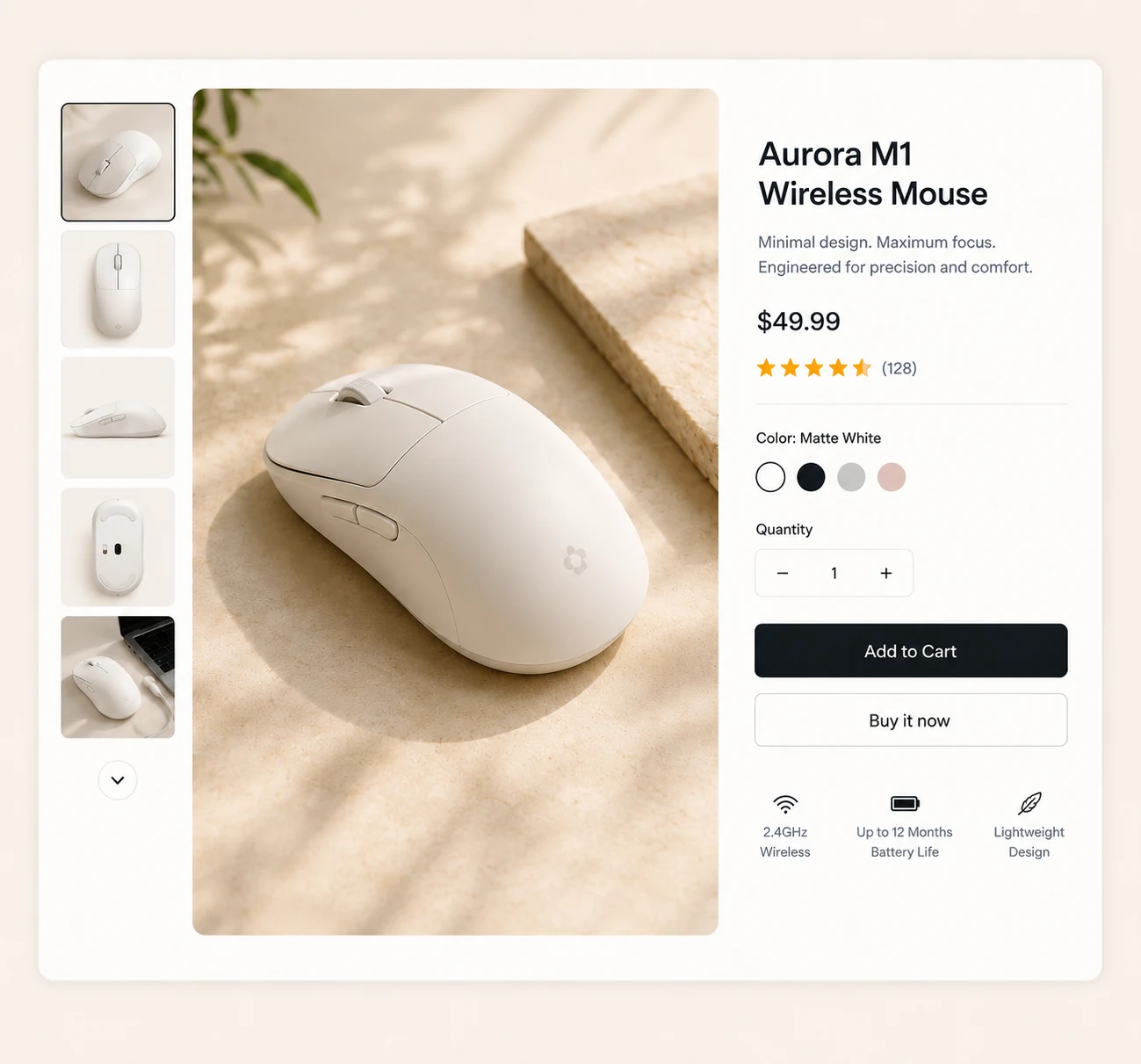
Ad Creative Testing
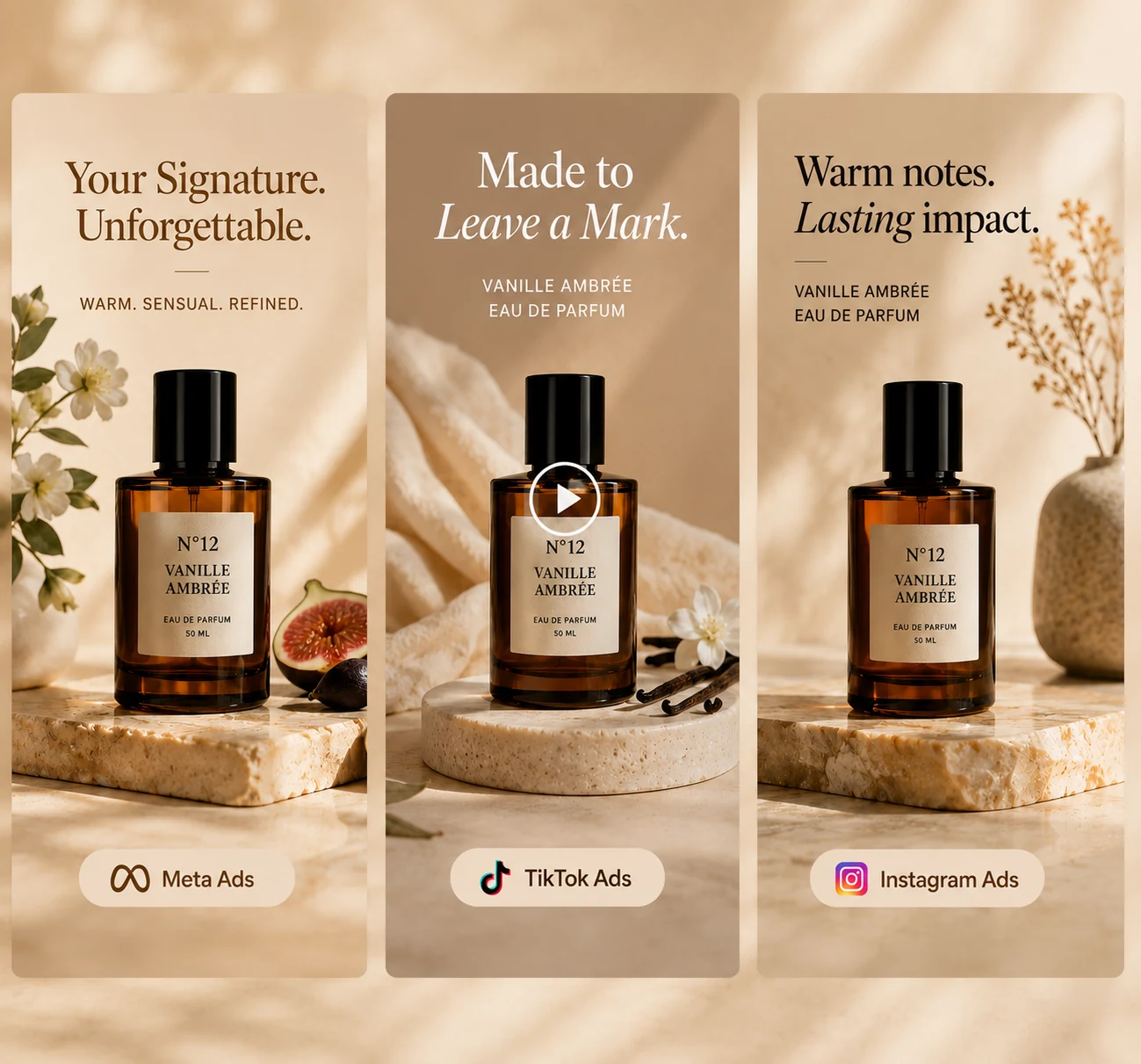
Prepare product ad variations with the available layouts and copy controls for later campaign review.
Complete Visual Pack
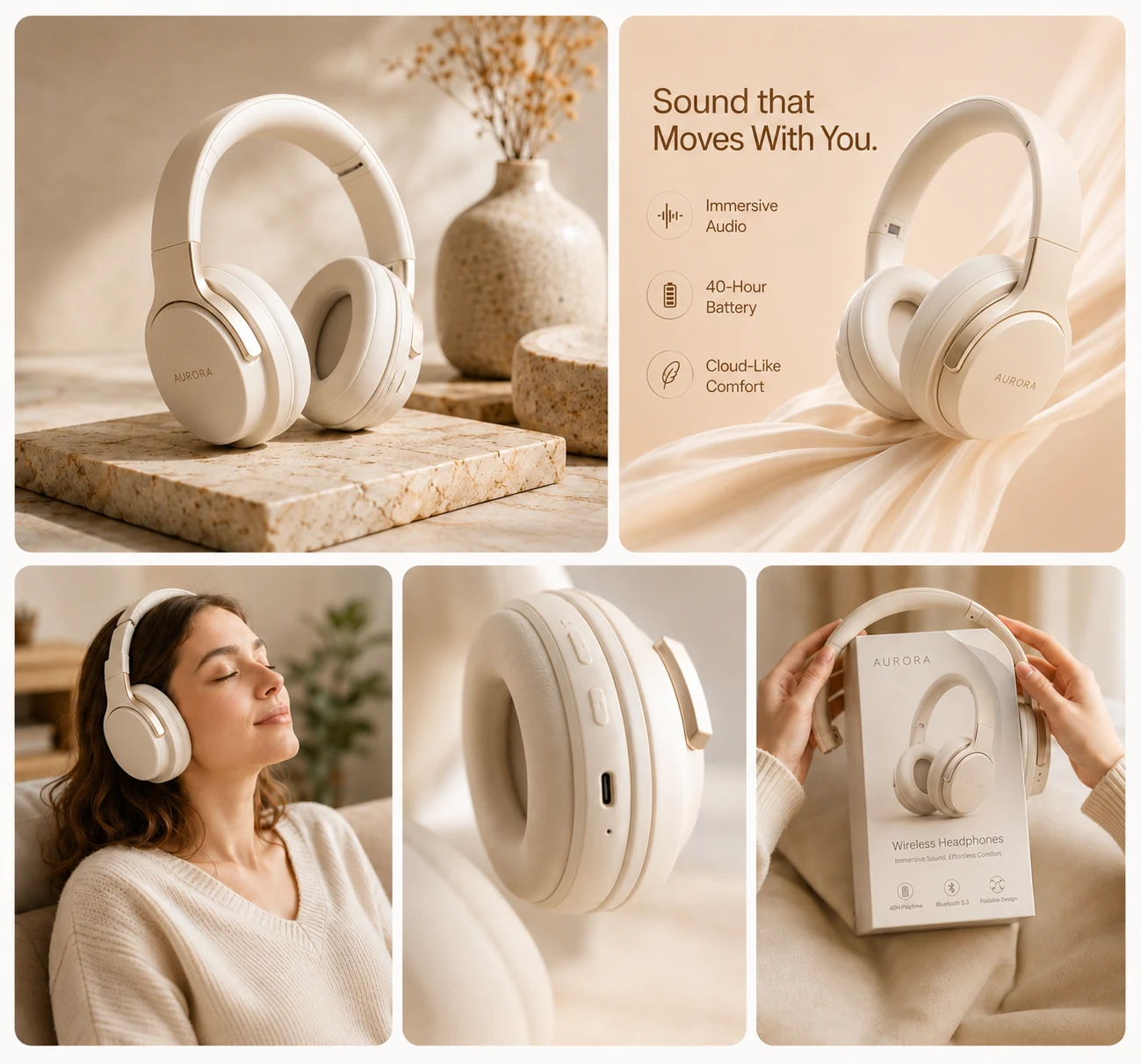
Use a five-slot set template to generate separate studio, lifestyle, detail, ad, social, or banner images.
Everything You Need to Create Product Visuals
Create product photos, lifestyle scenes, ad creatives, short videos, backgrounds, and complete visual sets from one product image.
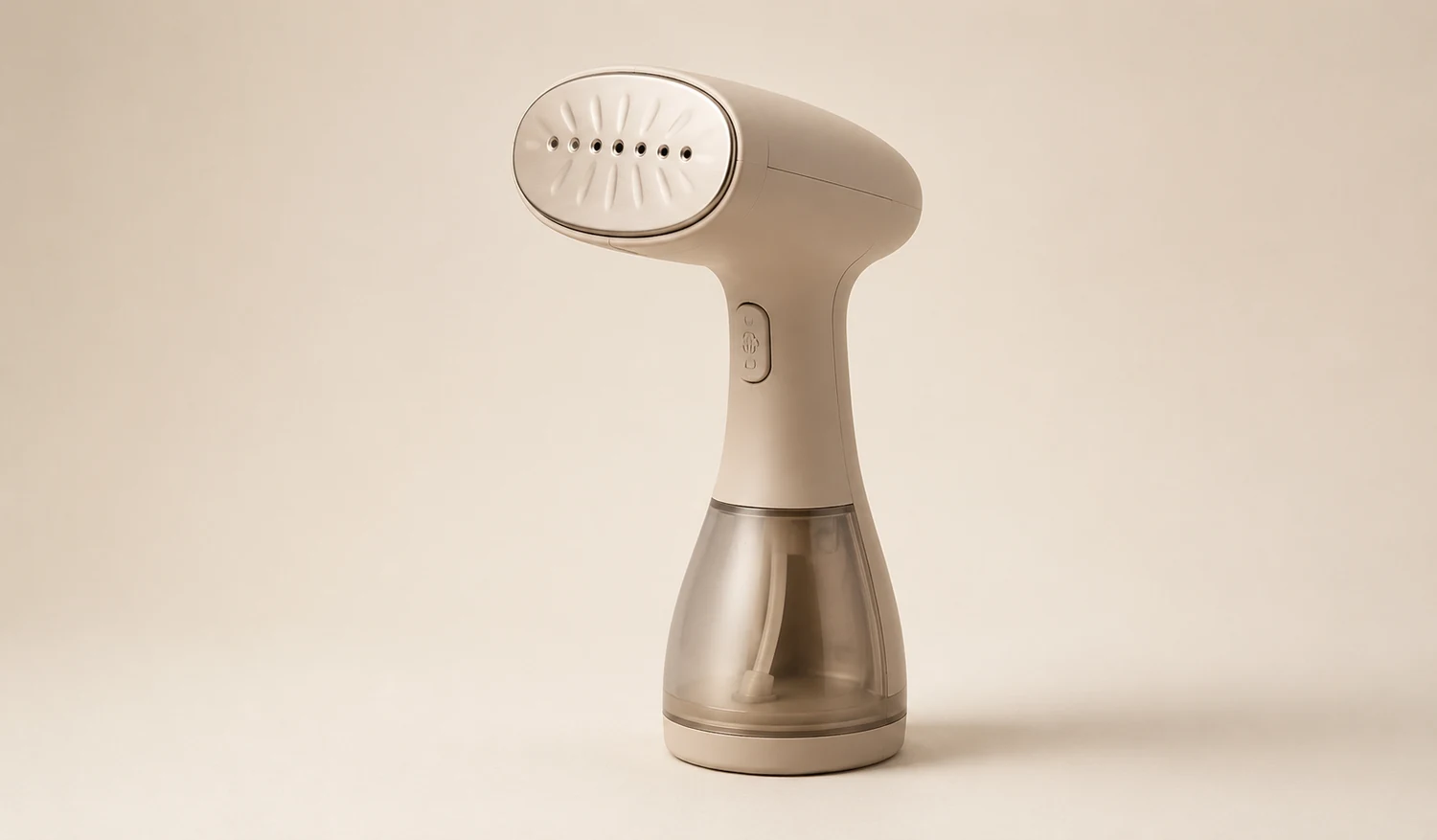
Studio Photos
Create studio-style product shots with six treatments, background colors, four shadow strengths, and four ratios.
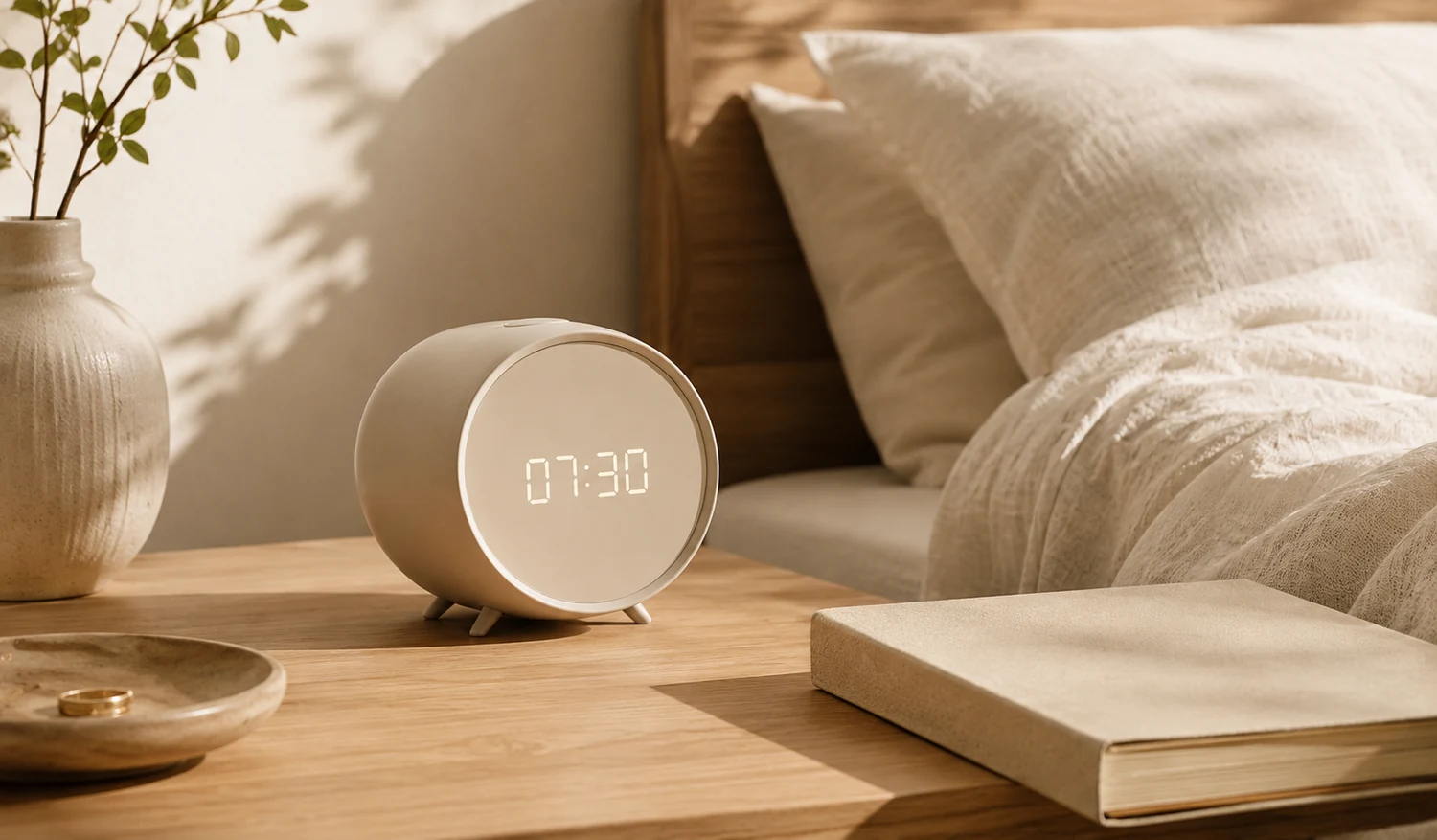
Lifestyle Scenes
Use one of six templates, including kitchen, bathroom, vanity, cafe, camping, and desk scenes.
Ad Creatives
Choose an ad layout and add a headline, offer, benefit lines, and one of the available calls to action.

Product Videos
Turn one product image into a five-second clip using one of six motion templates in vertical or widescreen format.
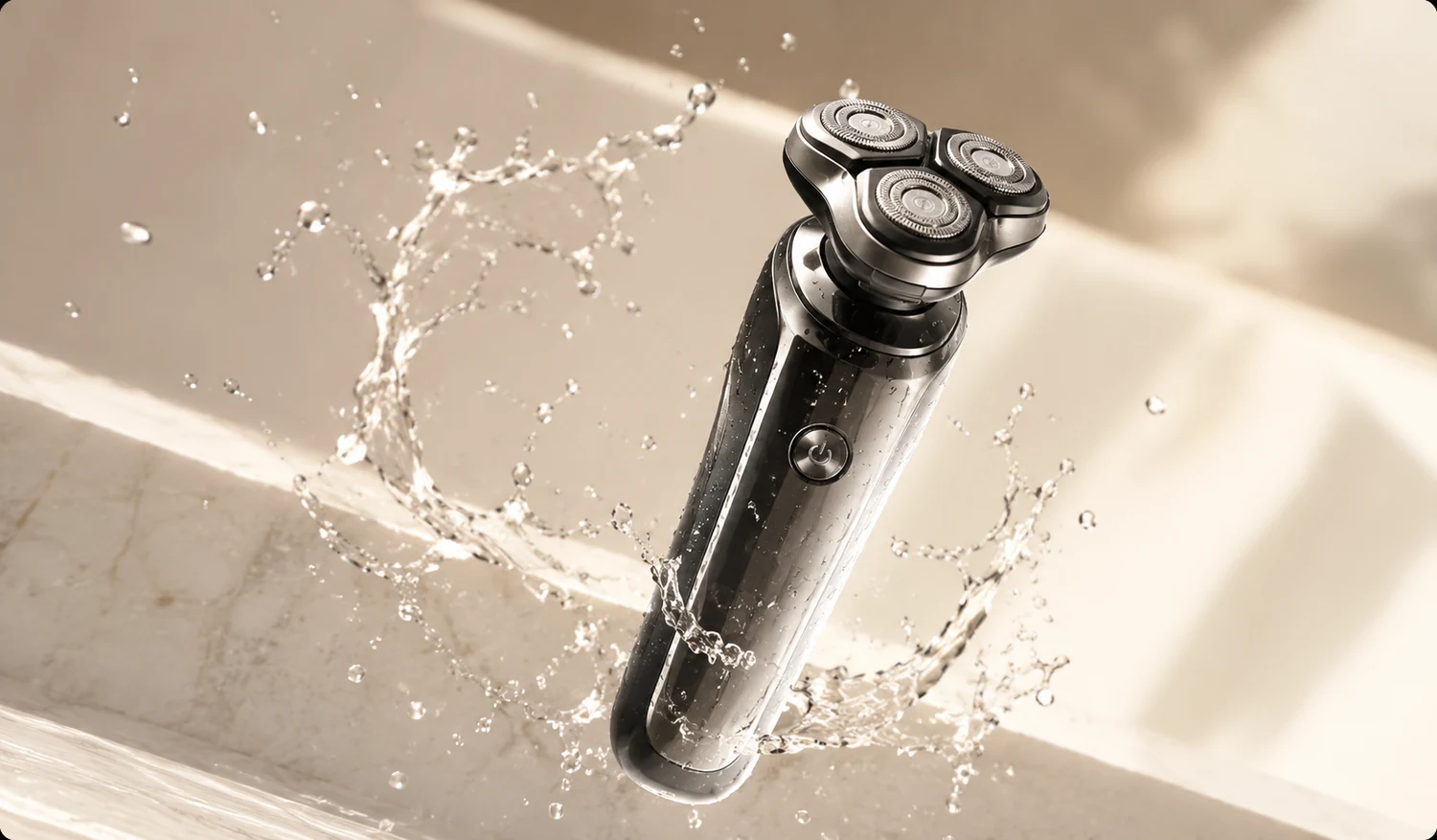
Image Extender
Extend the canvas around a product image in one of seven directions and choose a target aspect ratio.
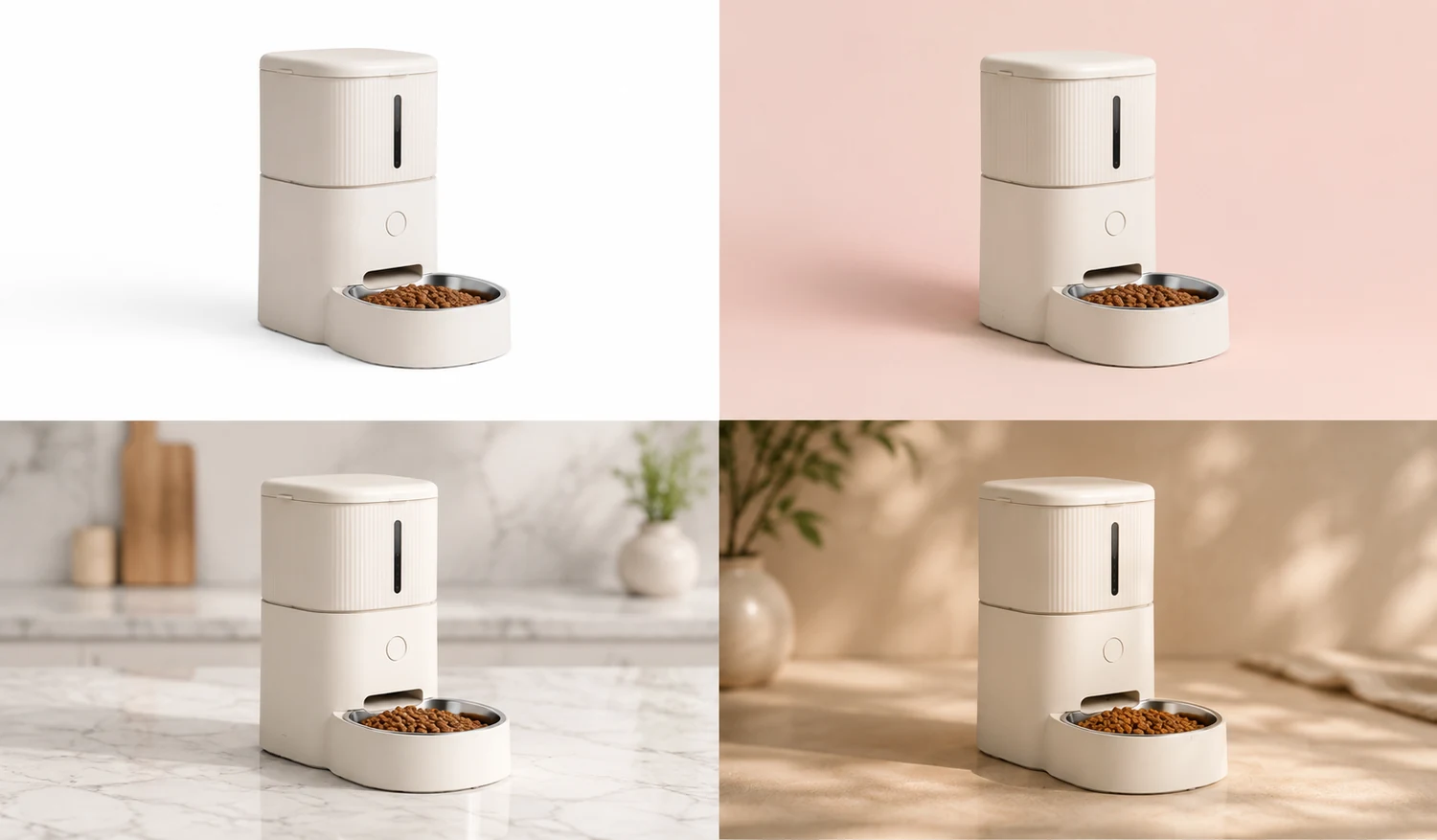
Image Sets
Generate five separate visuals from a selected set template and one of six visual styles.
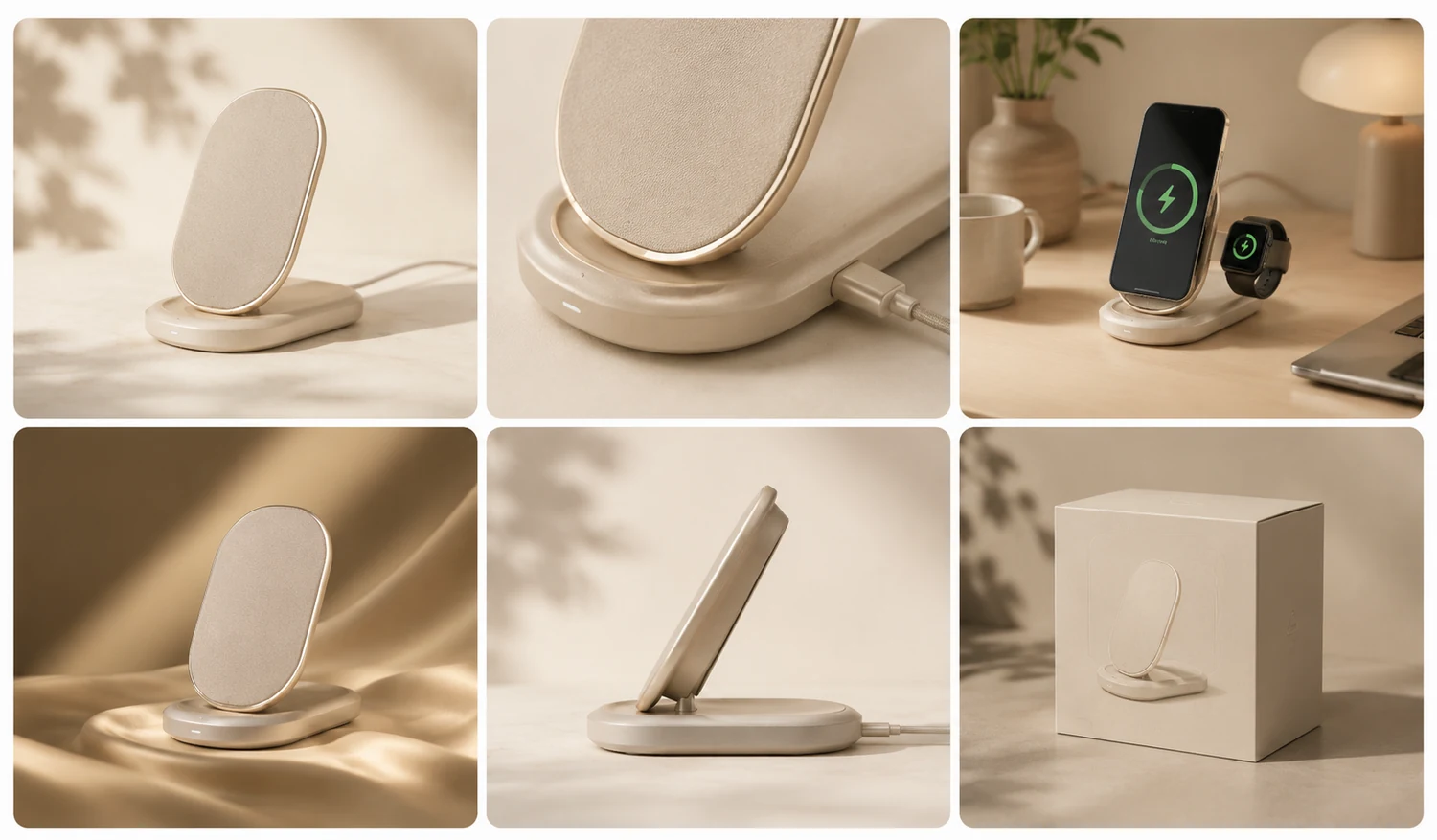
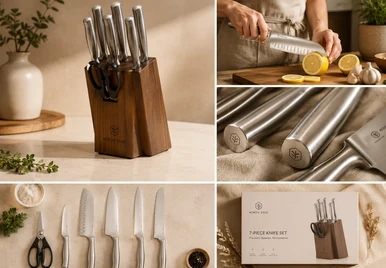
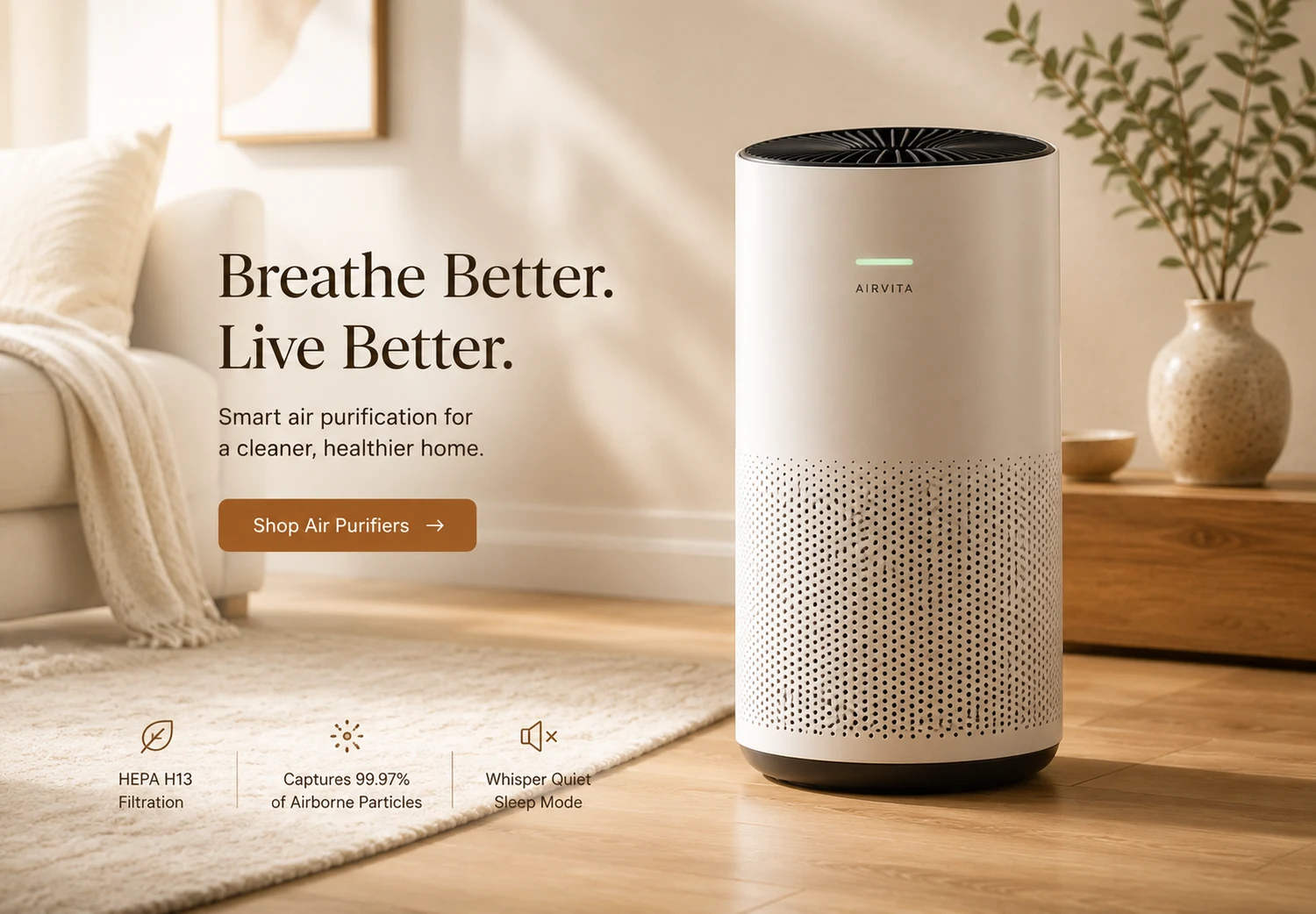
Example Outputs Across Ecommerce Workflows
Explore site-owned examples of studio, lifestyle, ad, and image-set directions. Generated details can vary from the source.

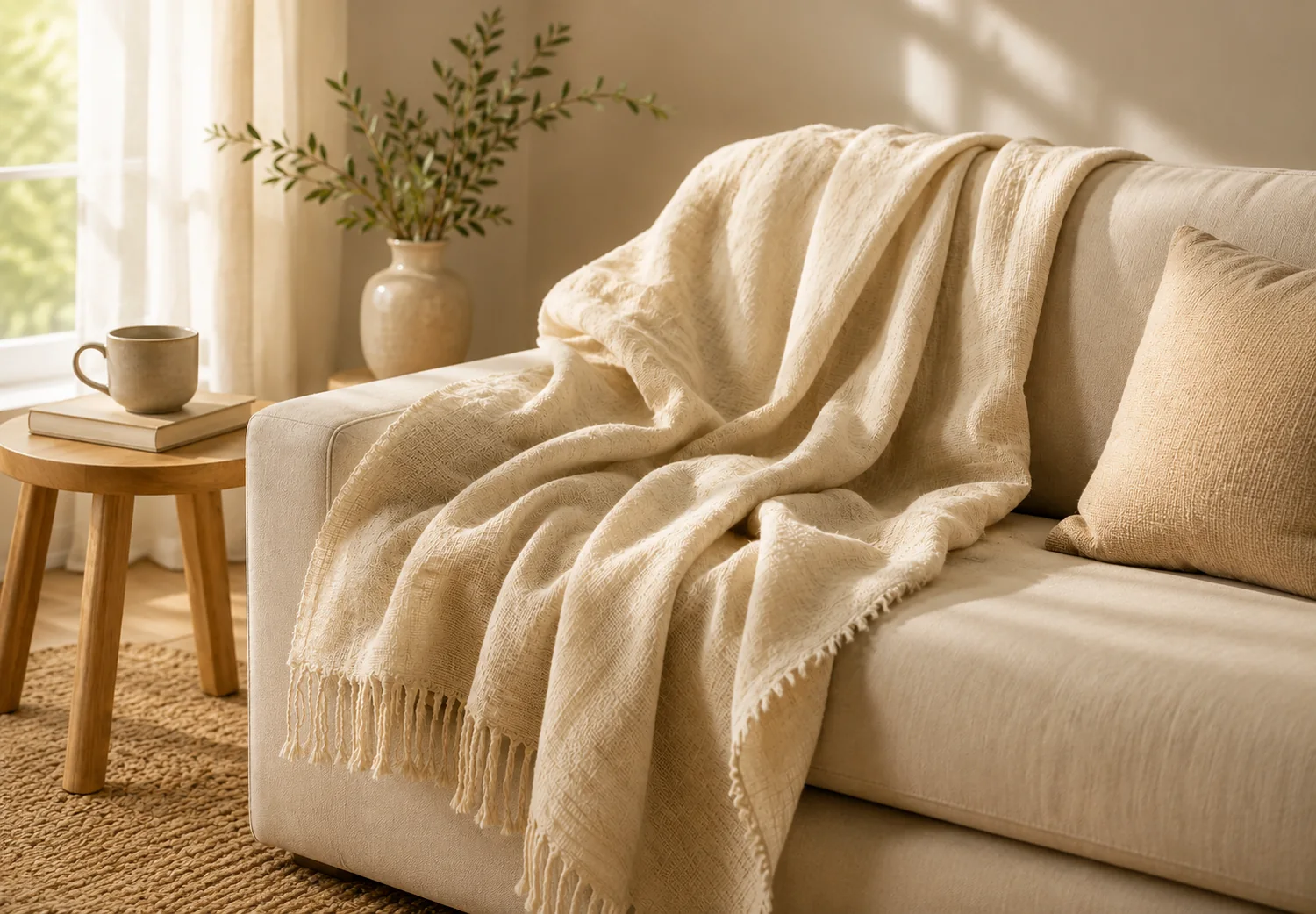
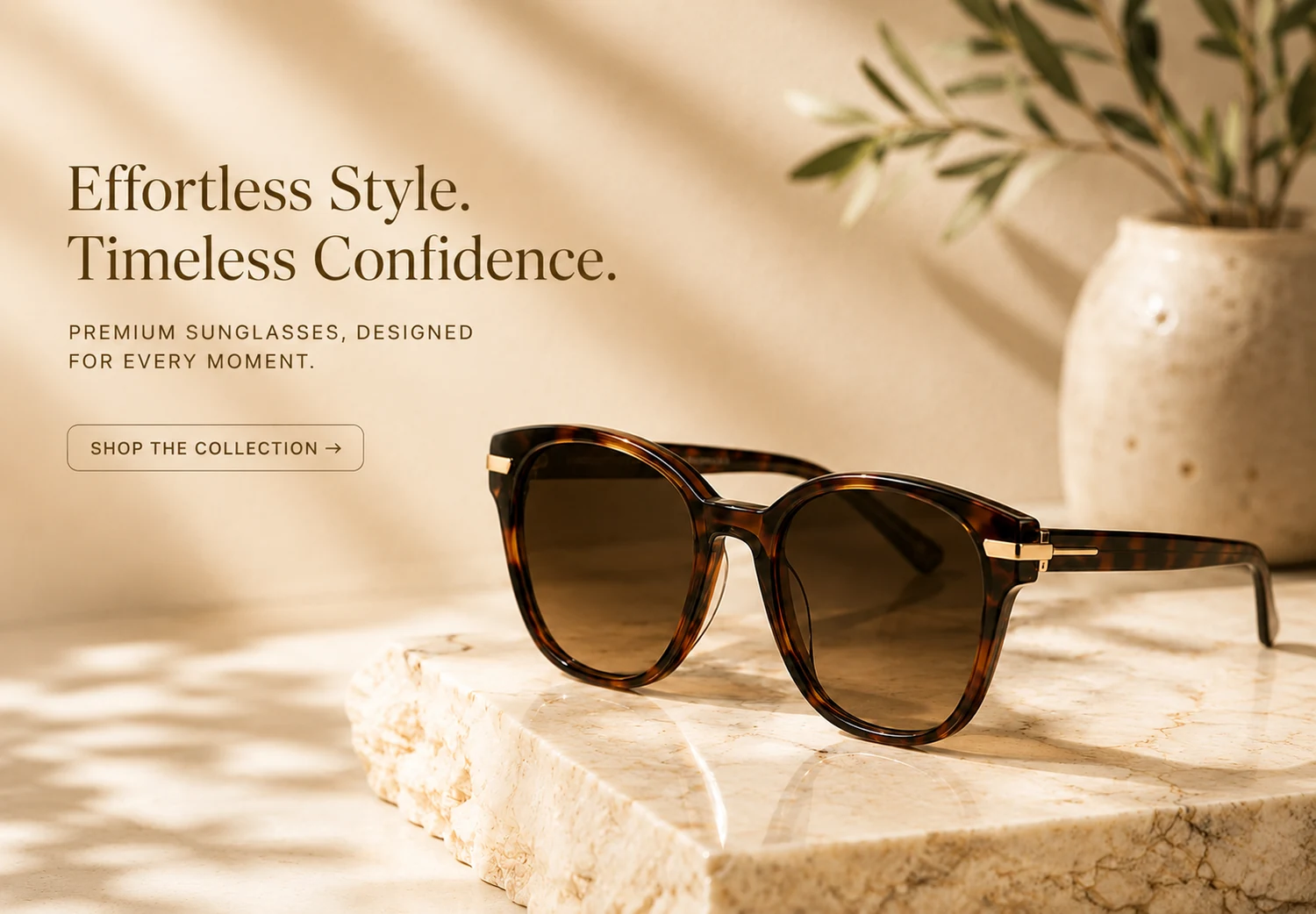
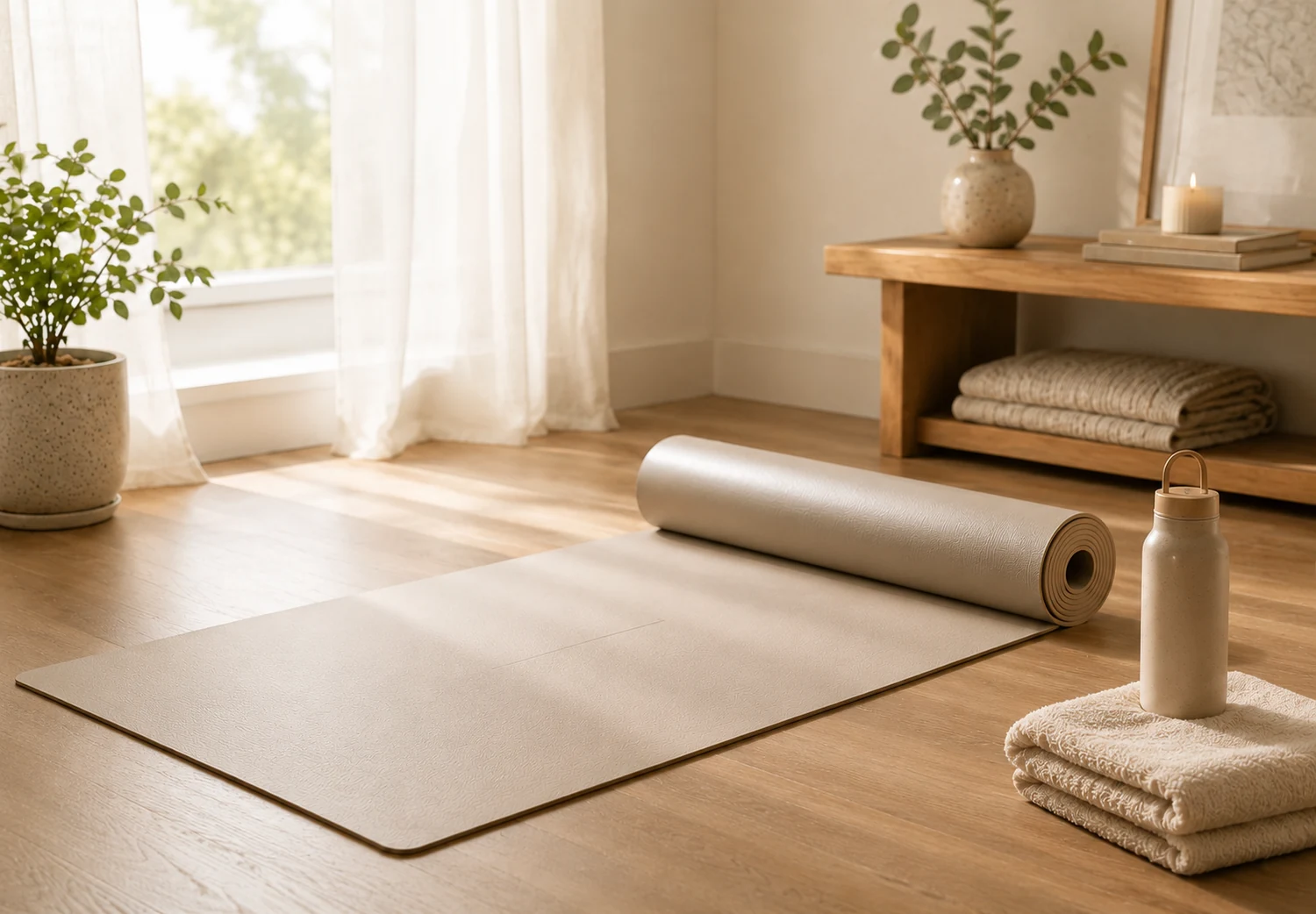
A Reference-led Workflow with Review Built In
Start with one product image, generate within the controls shown, and inspect every result before downloading or publishing it elsewhere.
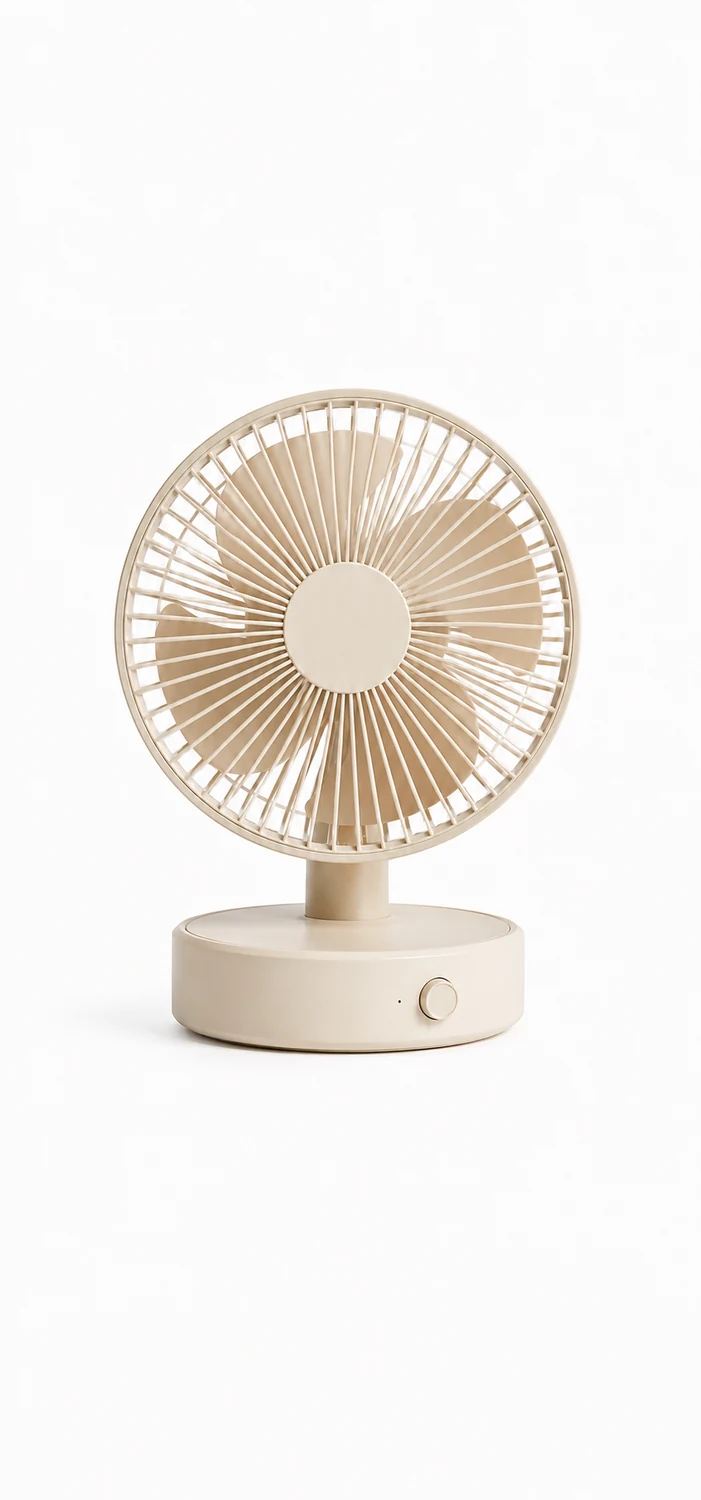
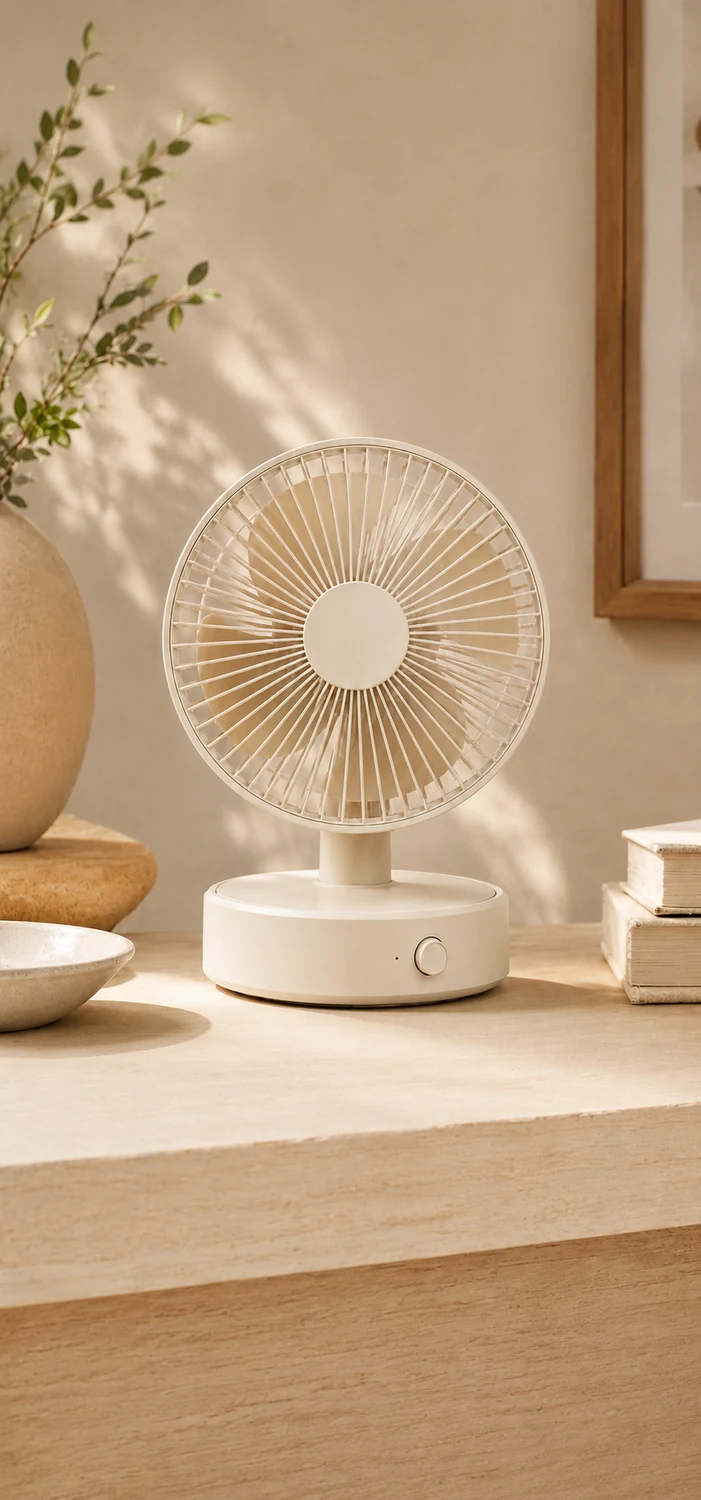
Source and Result Review
Reference-led Generation
The uploaded product image guides generation, but shape, color, labels, material, and other details can vary.
Result-by-result Review
Inspect every image or video result for product accuracy, generated text, edges, reflections, and motion.
Workspace Downloads
Use the existing result controls to download completed images or videos after you have reviewed them.
Focused Controls
Each tool exposes a fixed set of templates, ratios, styles, models, and output counts for its specific task.
Three Ways to Start with One Product Image
These are product workflow examples, not customer testimonials or performance claims.
Upload a clear source image, choose a studio treatment, background, shadow, aspect ratio, model, and output count, then review the results.
Studio product photos
Example workflow
Select an available ad layout, enter a headline and optional offer or benefits, choose a call to action, and inspect each generated creative.
Product ad variations
Example workflow
Choose a five-image set template and a visual style, generate the five fixed slots, and review every image as a separate output.
Five-image product set
Example workflow
Frequently Asked Questions
Everything you need to know before turning your product photo into ecommerce-ready visuals.
What kind of product photos work best?
Clean product photos with a visible product, good lighting, and minimal background work best. A front-facing or slightly angled product shot usually gives CataShot the clearest identity to work with.
Will CataShot change my product?
It can. Your product image is a generation reference, but shape, color, labels, packaging, text, reflections, and other details can vary. Review every result against the source.
Can I use the generated visuals commercially?
Check the applicable terms and make sure you have the rights needed for your source image, product, brand assets, copy, and intended use before publishing an output.
Is my uploaded product photo private?
Account data, uploads, and storage are governed by the CataShot privacy policy. Do not upload passwords, payment credentials, private API keys, or other sensitive material.
Can I create videos from one product photo?
Yes. CataShot can turn a single product image into short product motion clips for ads, social, and product pages.
Which platforms and formats are supported?
CataShot generates files for you to review and download. It does not publish directly to marketplaces, stores, advertising platforms, or social networks.
Do I need design or photography skills?
The workspaces provide selectable controls, so you can begin without configuring model APIs. You are still responsible for reviewing product accuracy and visual quality.
What if I don’t like the generated result?
Regenerate with a different direction, adjust the scene, or review fidelity before exporting final assets.
Does CataShot work for Shopify, Amazon, TikTok Shop, and ads?
You can create and download product visuals for later use in those contexts, but CataShot does not validate marketplace requirements or publish files to those services.
How do I get started?
Open a tool, upload one clear product image, choose from that workspace’s visible controls, sign in when you are ready to generate, and review the output.