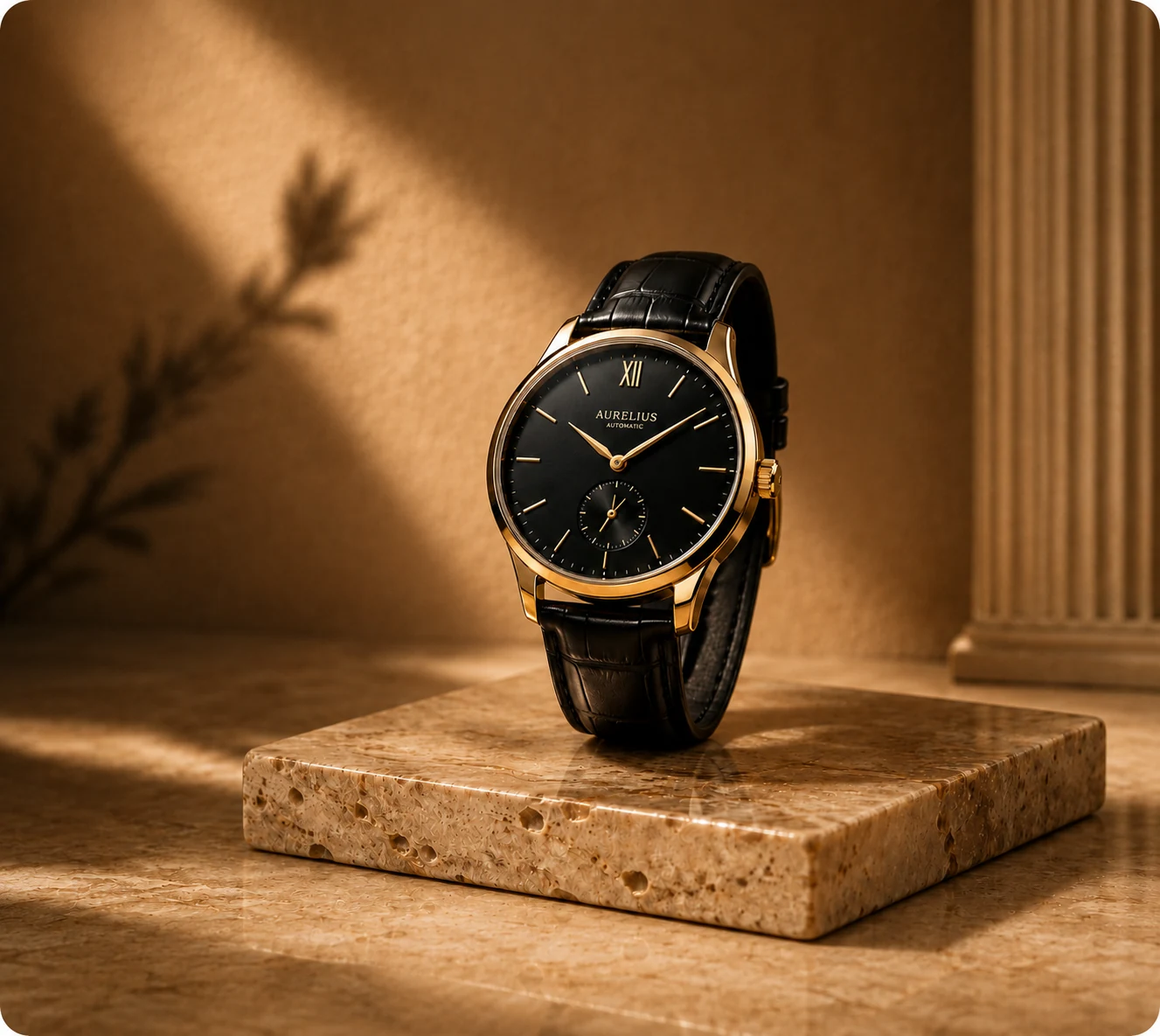
AI Product Video Generator
Examples
Choose a product source to prefill this Studio tool.
Create Short Product Videos from One Image
Create engaging five-second product clips. Select a motion template, describe the movement, and request one, two, or four Seedance 2 Fast outputs.
Use cases
- Hook shoppers with a dynamic product reveal or controlled studio zoom for your next campaign.
- Prepare vertical motion for story placements or wide motion for a site hero.
- Compare several independent five-second motion variations from the same source image.
How it works
- 01Upload one product image and select a motion template.
- 02Optionally describe the motion or presentation you want.
- 03Choose 9:16 or 16:9 and request one, two, or four videos.
- 04Generate, play each clip, inspect the motion and product, then download approved results.
What you can control
- Six motion templates: Product Reveal, Slow Studio Zoom, Floating Product, Promo Motion, Story Spotlight, and Website Hero Video.
- An optional video-description field, vertical or widescreen output, and one, two, or four independent clips.
- Seedance 2 Fast generation with a fixed five-second duration.
Current limits
- Duration and model are fixed by the current workspace; it does not provide a timeline, audio, captions, or clip editing.
- Motion and product details can vary from the source, so review every frame before using a clip.
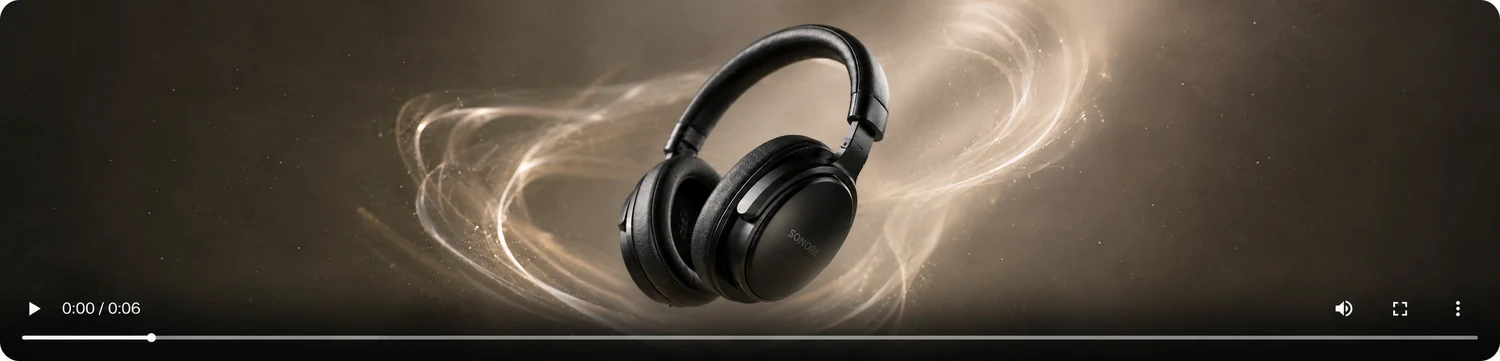
Example output
Frequently asked questions
How long are CataShot product videos?
The current Seedance workflow requests a fixed five-second clip.
Which aspect ratios are available?
Choose vertical 9:16 or widescreen 16:9.
Can I add audio or edit a timeline?
No. The current tool generates short visual clips and does not include audio, captions, or timeline editing controls.
Can I generate more than one clip?
Yes. Choose one, two, or four outputs. Each requested video is generated and shown as a separate result.
Related CataShot tools
AI Product Ad Generator
Combine one product image with a selected ad layout, headline, offer, benefit lines, and call to action.

Lifestyle Product Photography
Place a product into an available lifestyle template and choose lighting, aspect ratio, model, and output count.

AI Product Photography
Create studio-style product photos with selectable backgrounds, shadows, aspect ratios, models, and output counts.